Foodii — Recipe Book
Shipped May 2025
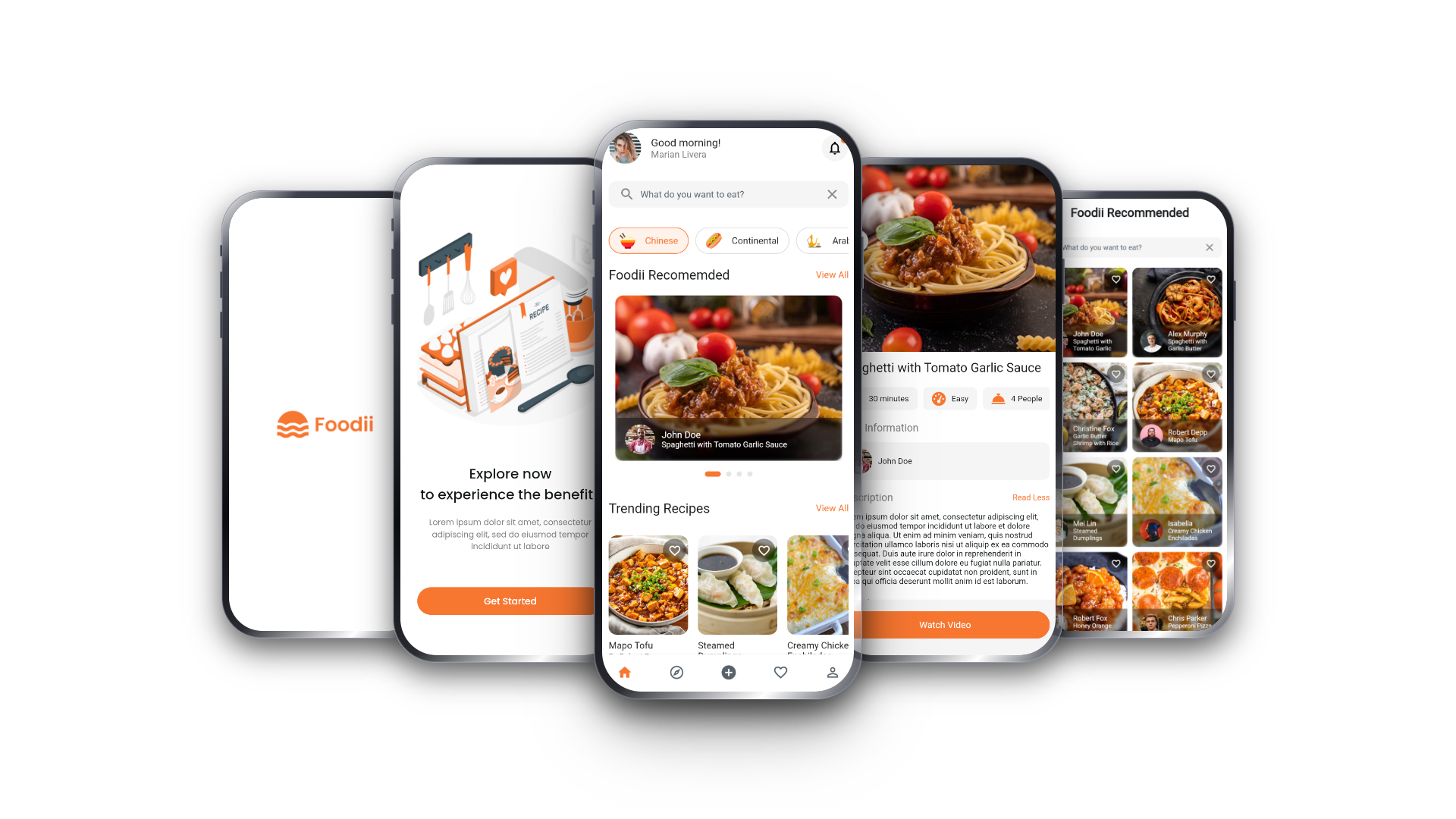
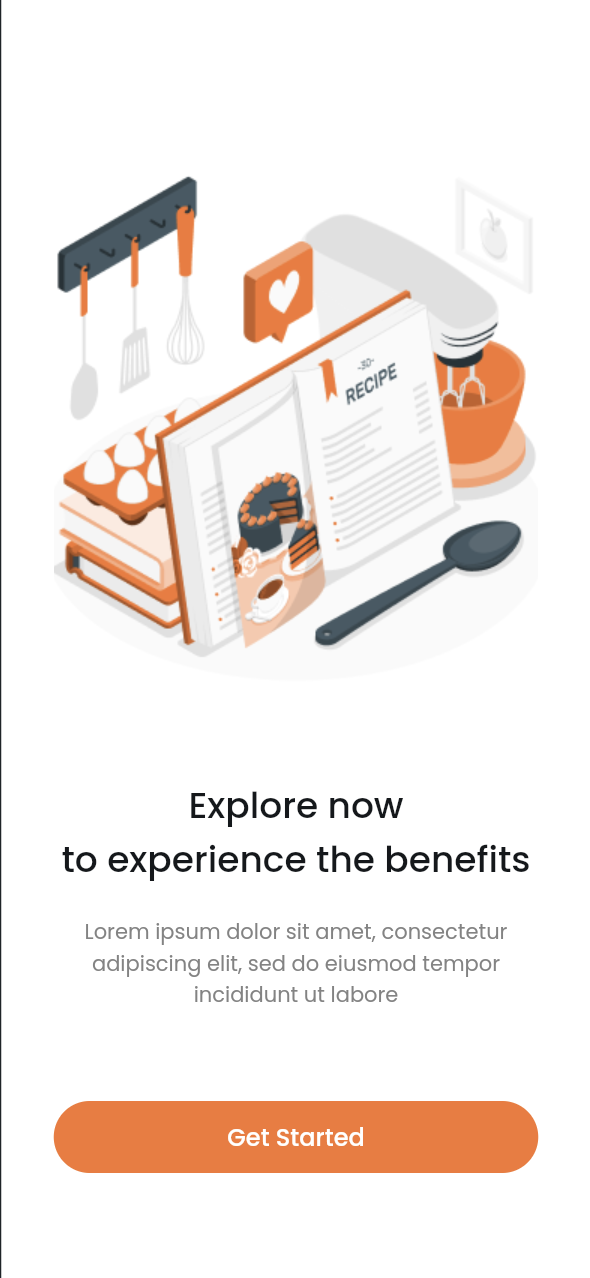
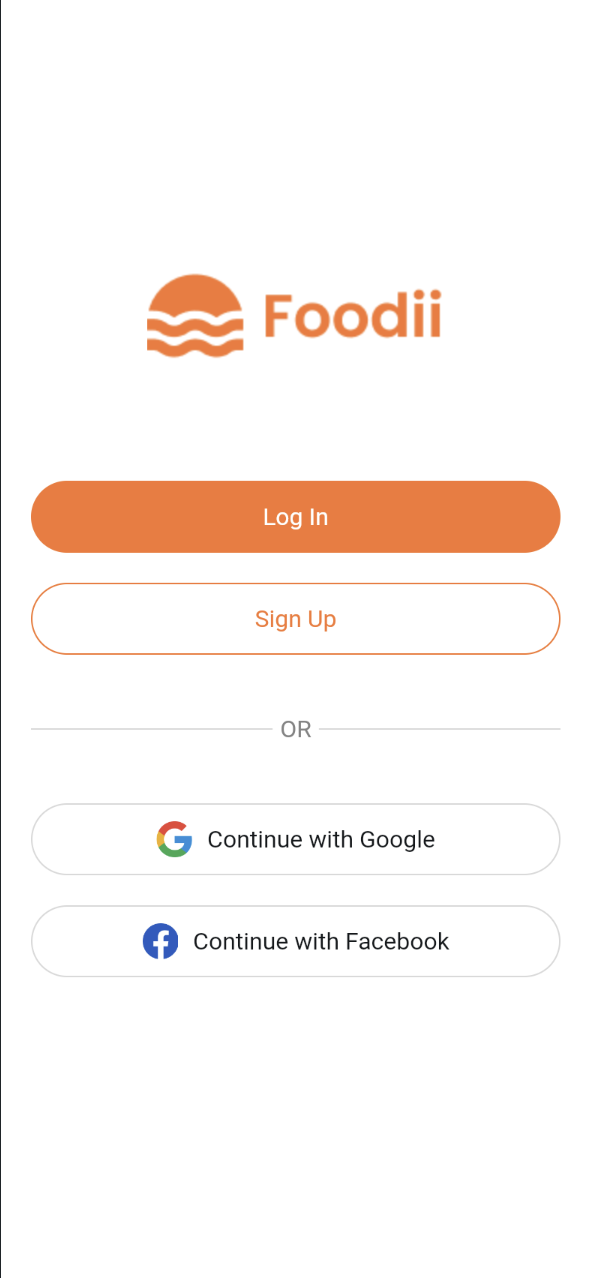
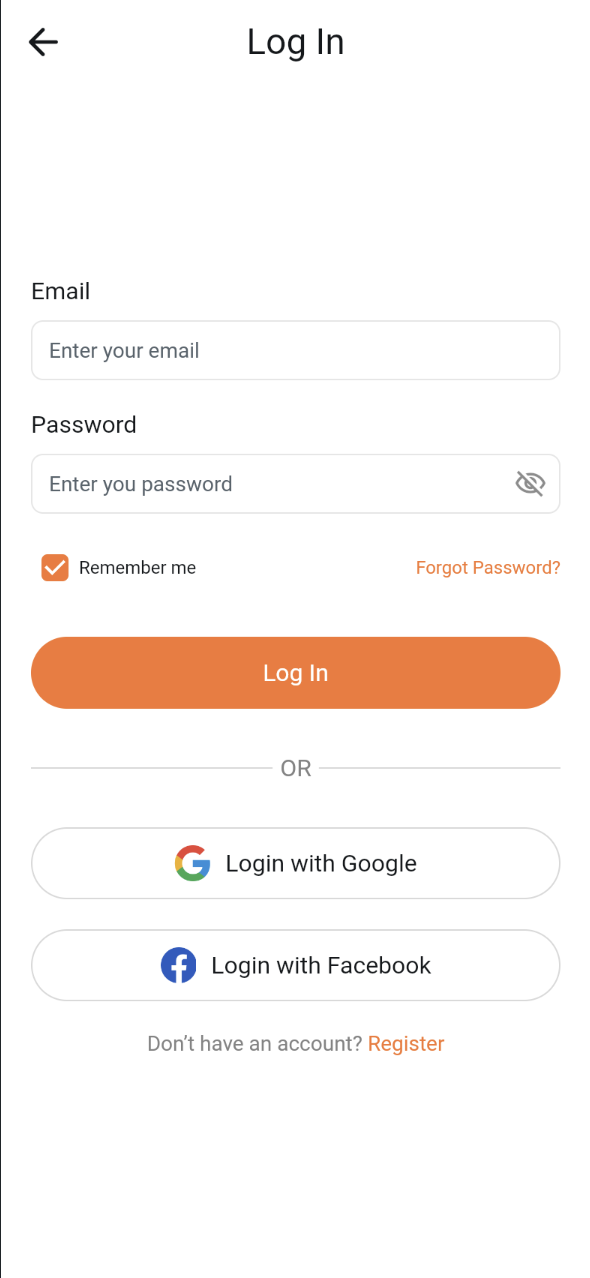
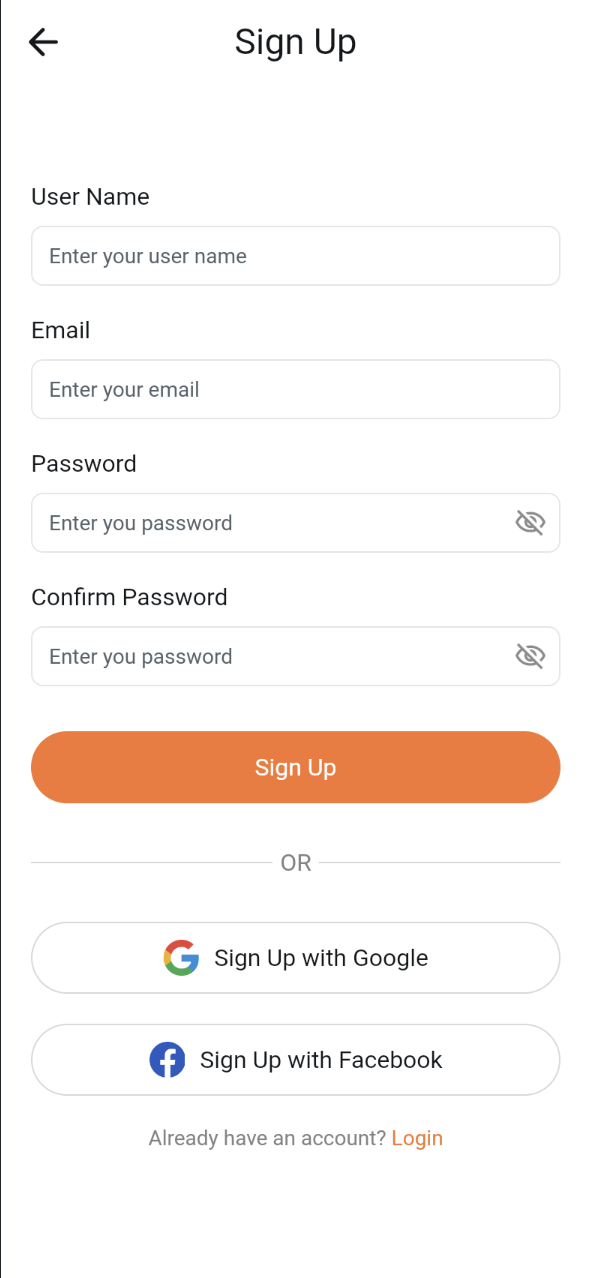
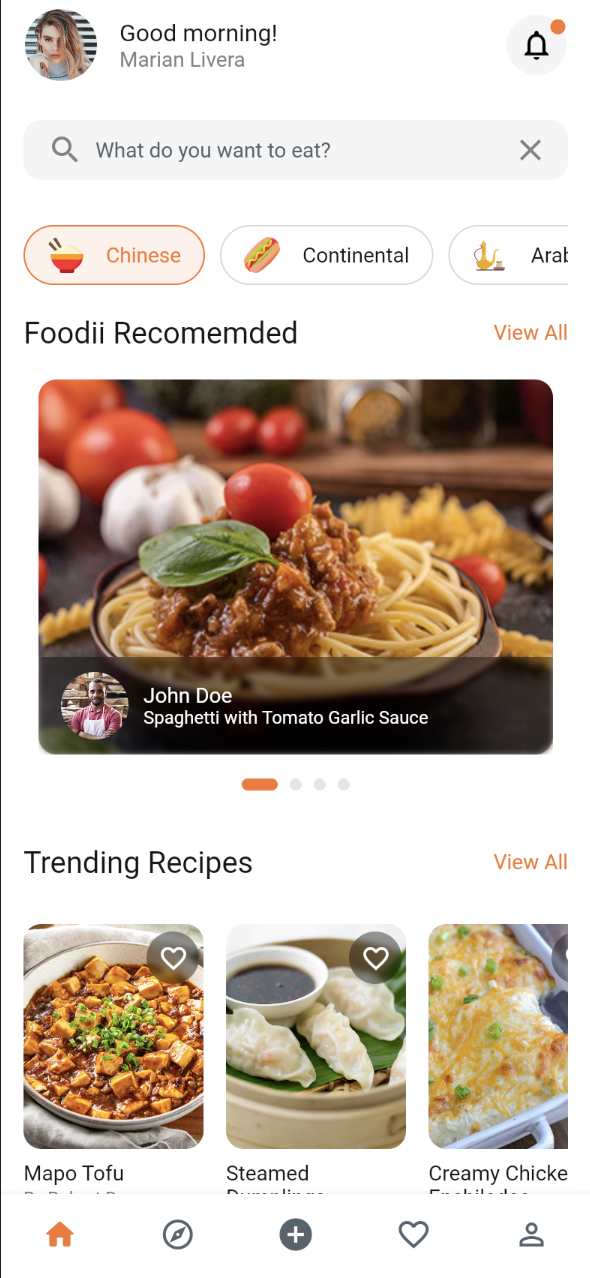
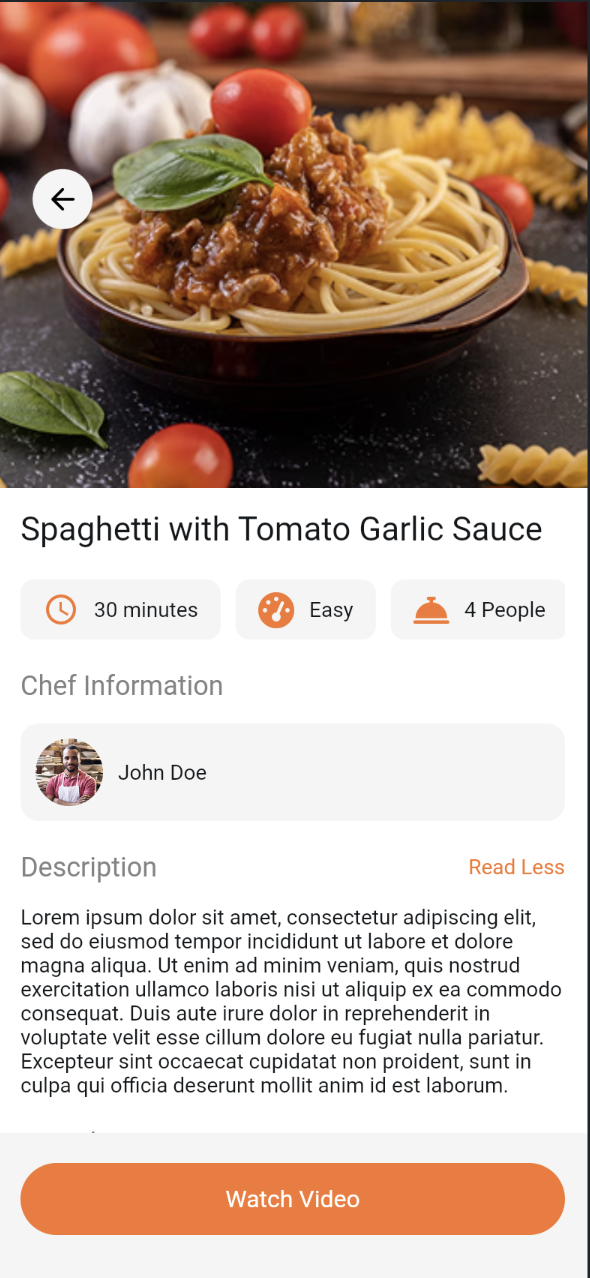
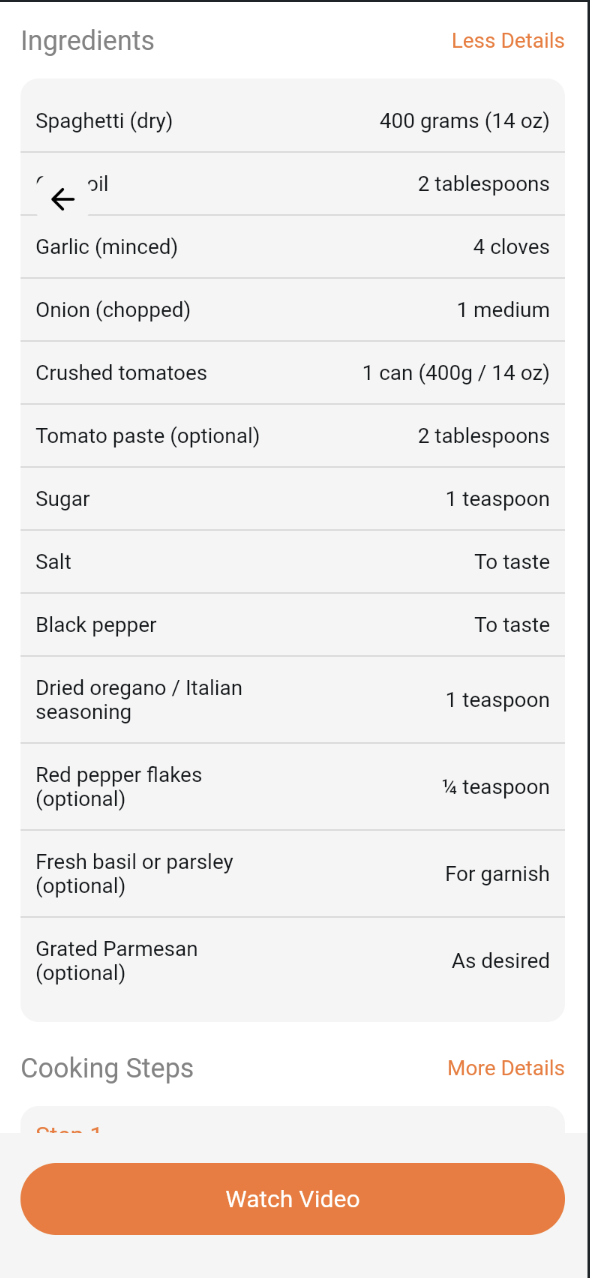
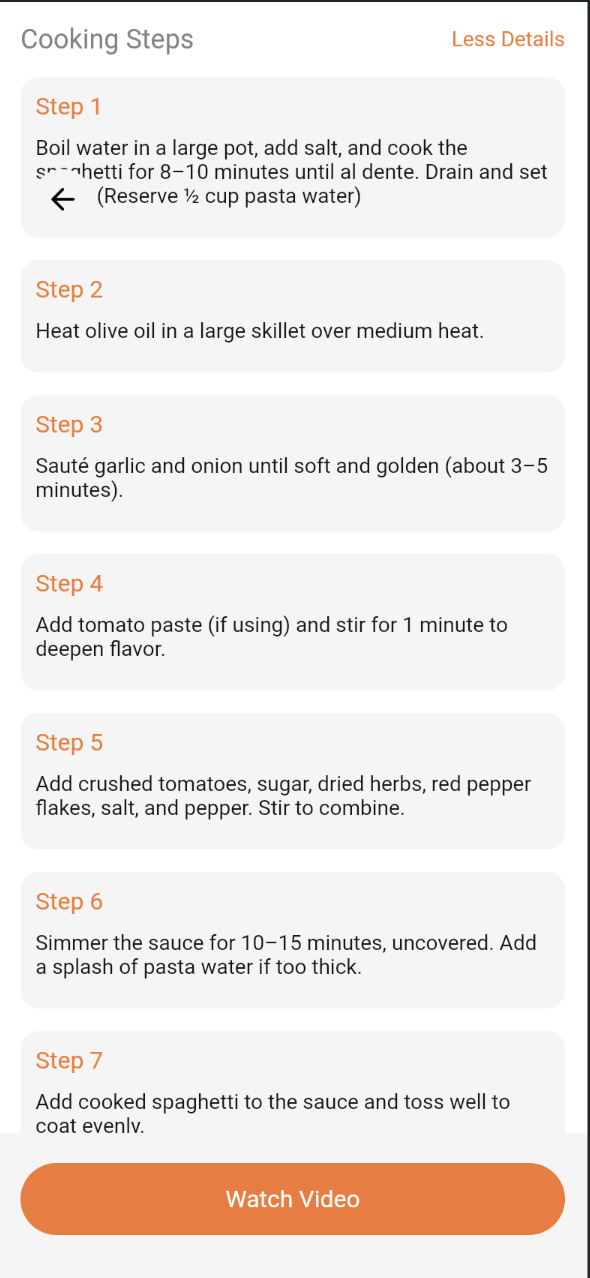
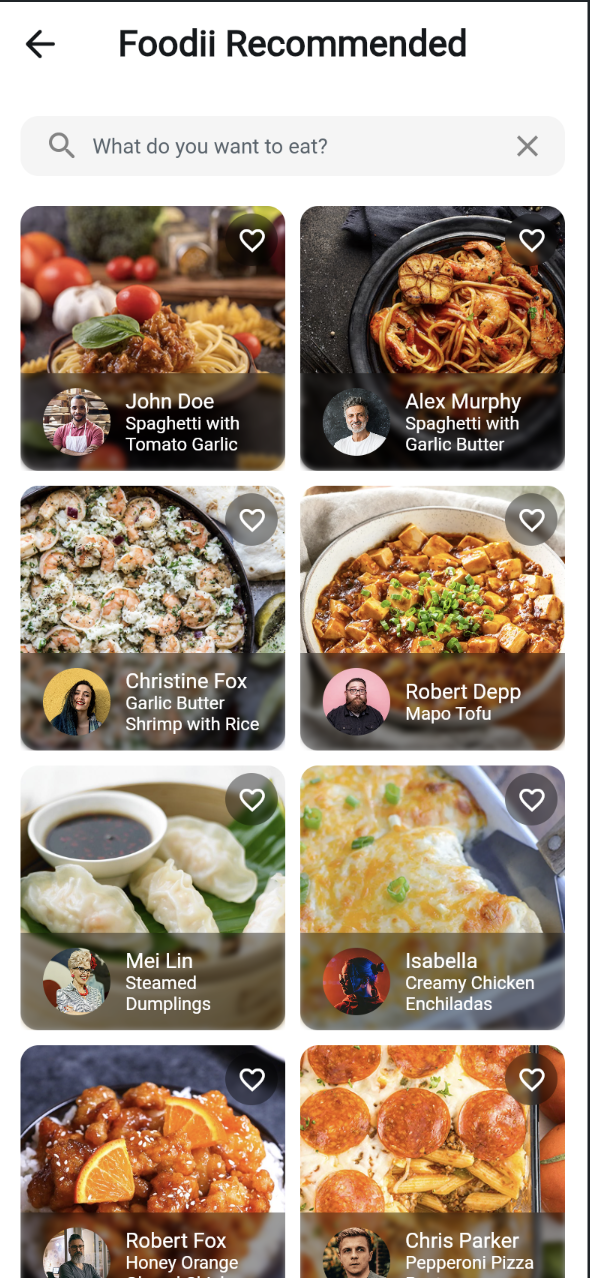
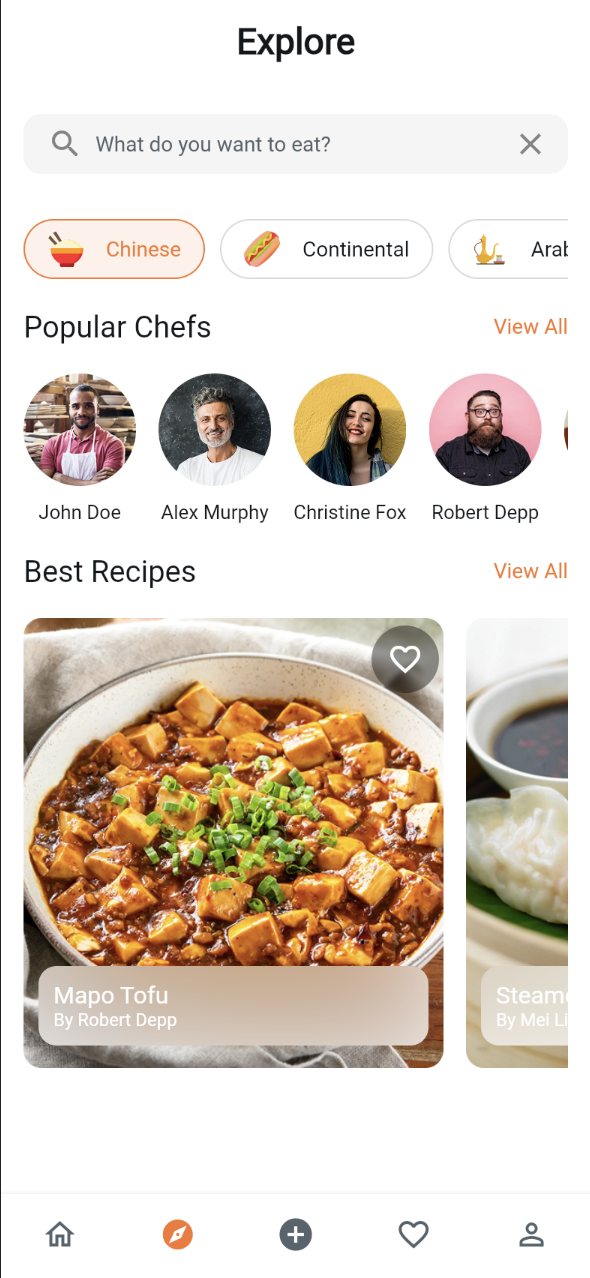
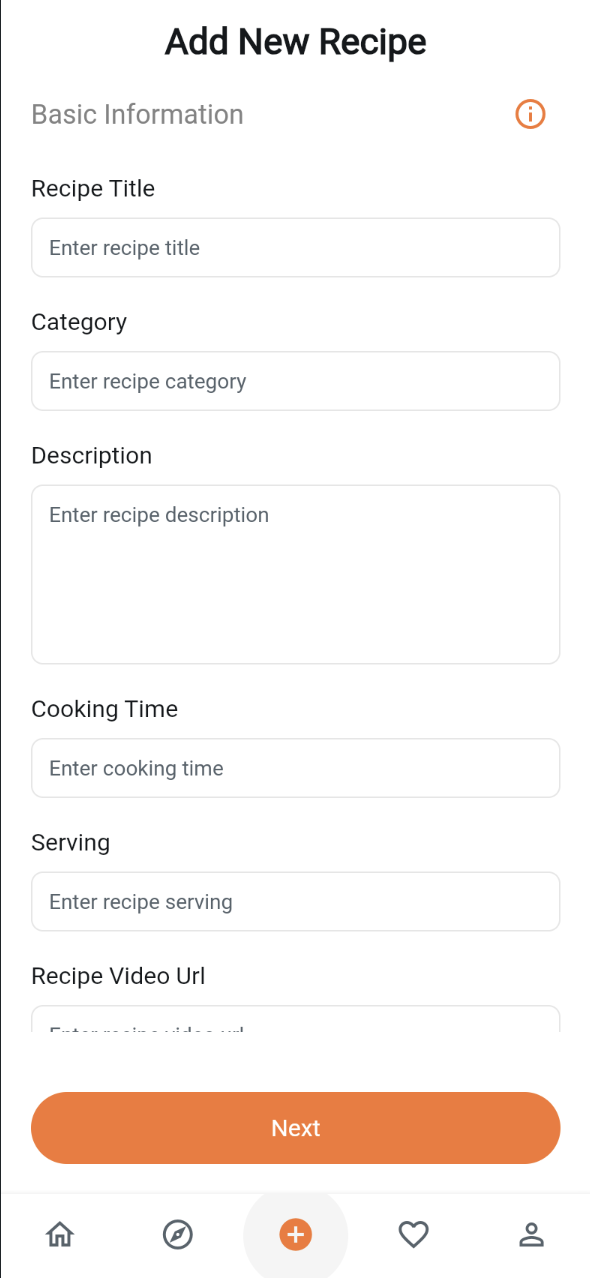
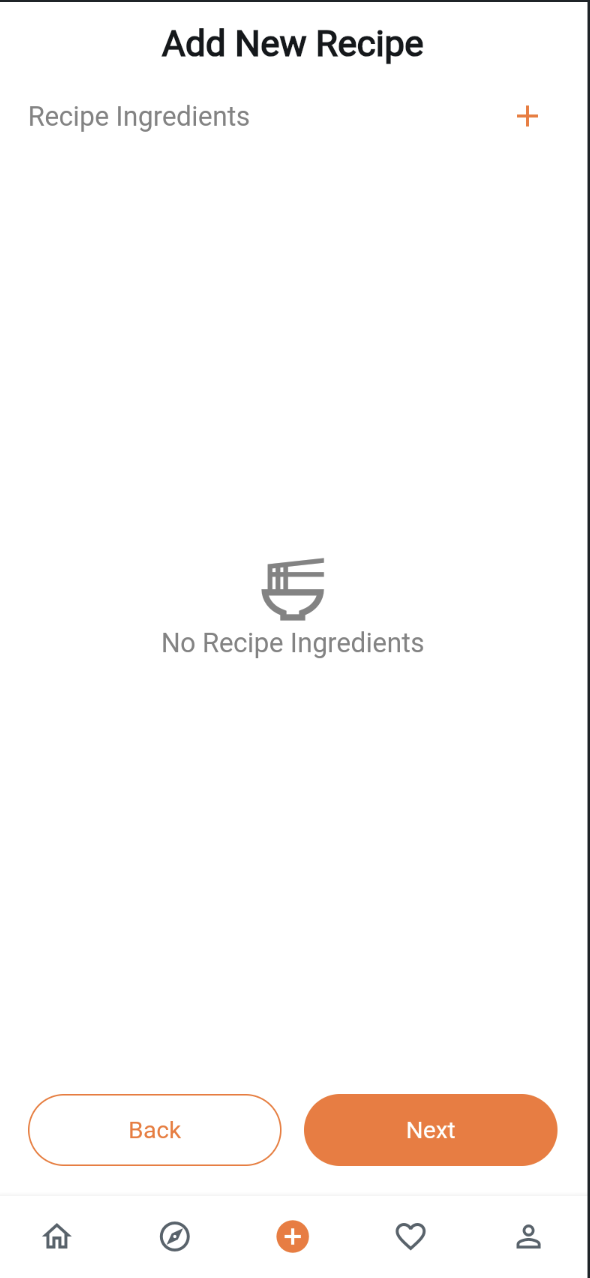
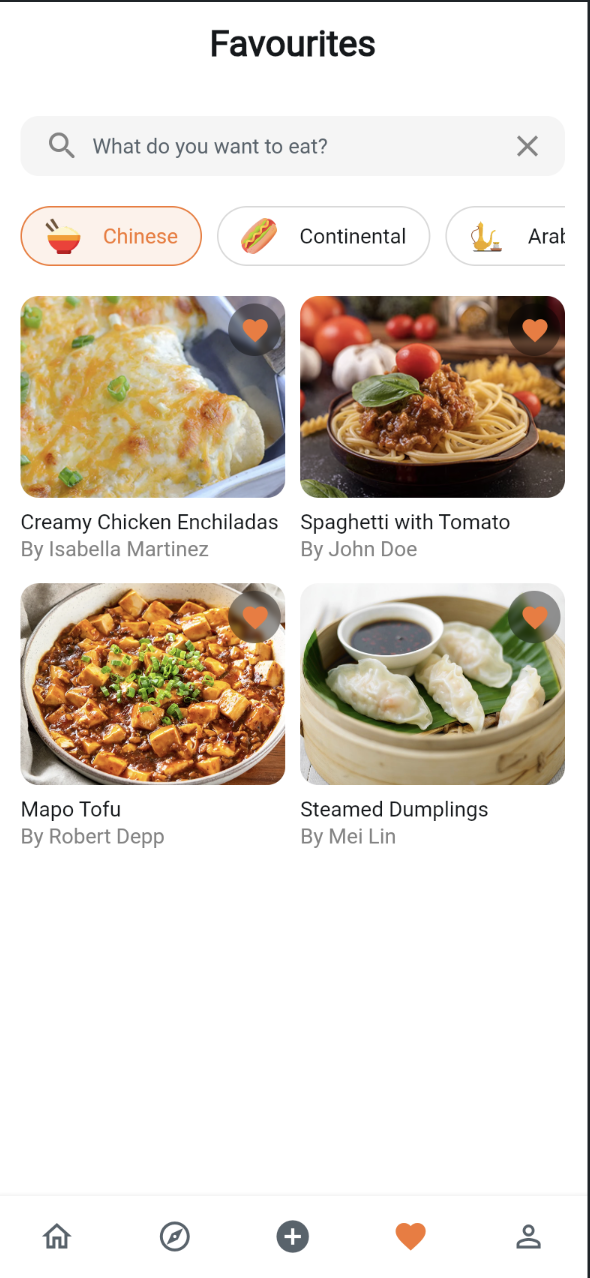
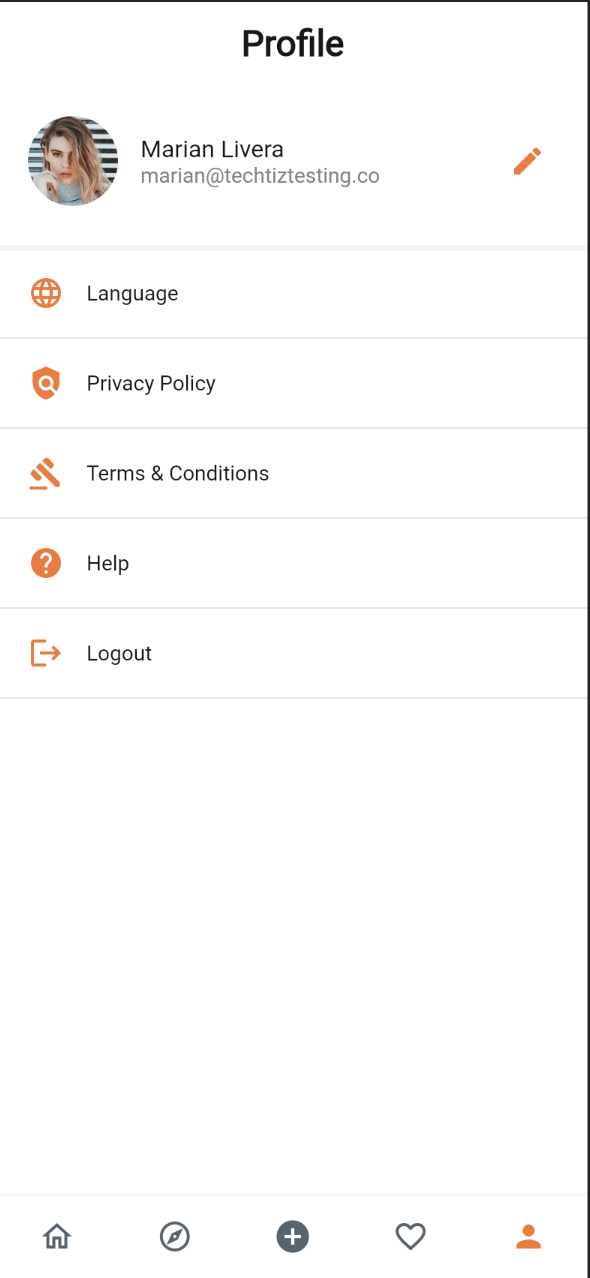
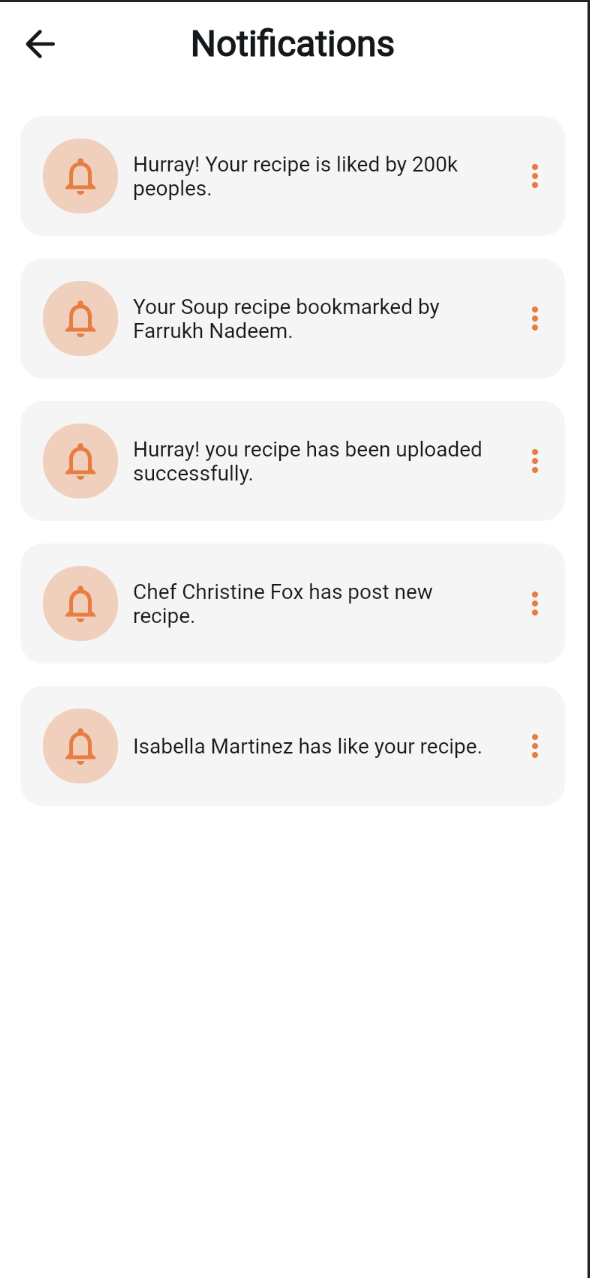
Foodii is a recipe discovery and cooking companion mobile app built visually in FlutterFlow. The app is organized into clear feature modules: an authentication flow (login, signup, OTP verification, forgot password), a home feed with recommended and trending recipes, an explore section for browsing chefs and their recipe collections, a recipe detail experience with ingredients and step-by-step instructions, favourites for saving recipes, a notifications center, and a profile section with editing, help, and language settings.
Built With
 FlutterFlow
  Flutter
  Dart
Dart  Firebase Firestore Firebase Authentication
  Material Design
 Project Overview
Foodii is a recipe discovery and cooking companion mobile app built visually in FlutterFlow. The app is organized into clear feature modules: an authentication flow (login, signup, OTP verification, forgot password), a home feed with recommended and trending recipes, an explore section for browsing chefs and their recipe collections, a recipe detail experience with ingredients and step-by-step instructions, favourites for saving recipes, a notifications center, and a profile section with editing, help, and language settings.
The data model reflects a real cooking app: recipes carry title, image, category, cook time, servings, and difficulty, alongside structured ingredient and step lists, while chefs have followers, recipe counts, and their own recipe collections. A shared library of reusable components — buttons, category chips, search bars, headers — keeps the visual design consistent across all 65 pages.
Firebase is connected as the backend provider, but no Firestore collections have been created yet — the template currently runs on FlutterFlow's local App State variables and custom data schemas rather than live cloud data, with no third-party REST APIs configured.

- Challenge
- Building a data-rich app like this inside a visual builder presented a few core difficulties. The recipe model itself is nested and relational — a recipe contains lists of ingredients and steps, chefs contain lists of recipes and categories — which is harder to represent cleanly in a low-code schema than in hand-written code. With 57 feature pages plus shared components, maintaining visual consistency and avoiding duplicated UI logic across the authentication, home, explore, and profile modules was another challenge. Finally, since no live backend was wired up yet, the app needed to be built and tested with realistic-looking screens without any real data flowing in.
- Solution
- The project addresses this by defining custom Data Types (recipe, recipeIngredient, recipeStep, chef, user, category, notification) that mirror what a future Firestore schema would look like, so UI components already bind to properly structured data. A dedicated app_components folder centralizes shared widgets like buttons, chips, and headers so every feature module draws from the same design system rather than reinventing it. App State variables — LoggedInUser, trendingRecipesList, recommendationRecipesList — simulate backend-driven data locally, letting the interface be fully built and demoed before any Firestore collections go live. A couple of custom Dart functions and widgets, for things like formatting follower counts and rendering the notification icon badge, fill in logic that FlutterFlow's visual tools don't natively cover.
- Impact
- Structuring the project this way means the visual and data layers are essentially backend-ready: connecting real Firestore collections later should require minimal rework, since the schema and UI bindings already exist. The shared component library also means design changes — like updating a button style — propagate across dozens of screens at once instead of needing manual updates everywhere. Overall, it's a solid low-code foundation that gets a fully navigable, realistic-looking recipe app to a demo/prototype stage quickly, with a clear path to production once a live backend is connected. It has been downloaded 537 times on the FlutterFlow Marketplace to date.
Frequently Asked Questions
Developers building a recipe-sharing or meal-planning app don't have to design and wire up every screen and flow of a food-content app from a blank canvas — Foodii gives them a working authentication flow, home feed, chef/recipe explore section, recipe detail and favourites, notifications, and profile settings already built, on a data model shaped for a real backend.
Foodii — Recipe Book was built with FlutterFlow, Flutter, Dart, Firebase Firestore, Firebase Authentication, Material Design.
Yes — Foodii is published on the FlutterFlow Marketplace as a source-available UI template. Buyers get the full FlutterFlow project — every page, custom Data Type, and shared component — to customize and connect to their own Firebase backend.
Foodii is a FlutterFlow template for a recipe discovery and cooking companion app, covering authentication, a recommended/trending home feed, a chef and recipe explore section, recipe detail with ingredients and steps, favourites, notifications, and profile settings.
Firebase is connected as the backend provider, but no Firestore collections have been created yet — the template ships running on local App State variables and custom data schemas rather than live cloud data, so a developer needs to create the Firestore collections to make it fully functional.
Foodii defines custom Data Types for recipe, recipeIngredient, recipeStep, chef, user, category, and notification — modeled to mirror what a production Firestore schema would look like, so the UI already binds to properly structured data.
Yes — since it's a standard FlutterFlow project, all colors, components, and page flows can be edited directly in the FlutterFlow builder, and the shared app_components library means a style change propagates across every screen at once.
Foodii spans 57 feature pages plus a shared library of reusable components (buttons, category chips, search bars, headers), for 65 pages total.
Foodii has been downloaded 537 times on the FlutterFlow Marketplace.
Available for work
Got a project like this
in mind?
Let's talk about what you're building and how I can help ship it.