Kumquat — Talent Match
Shipped Apr 2025
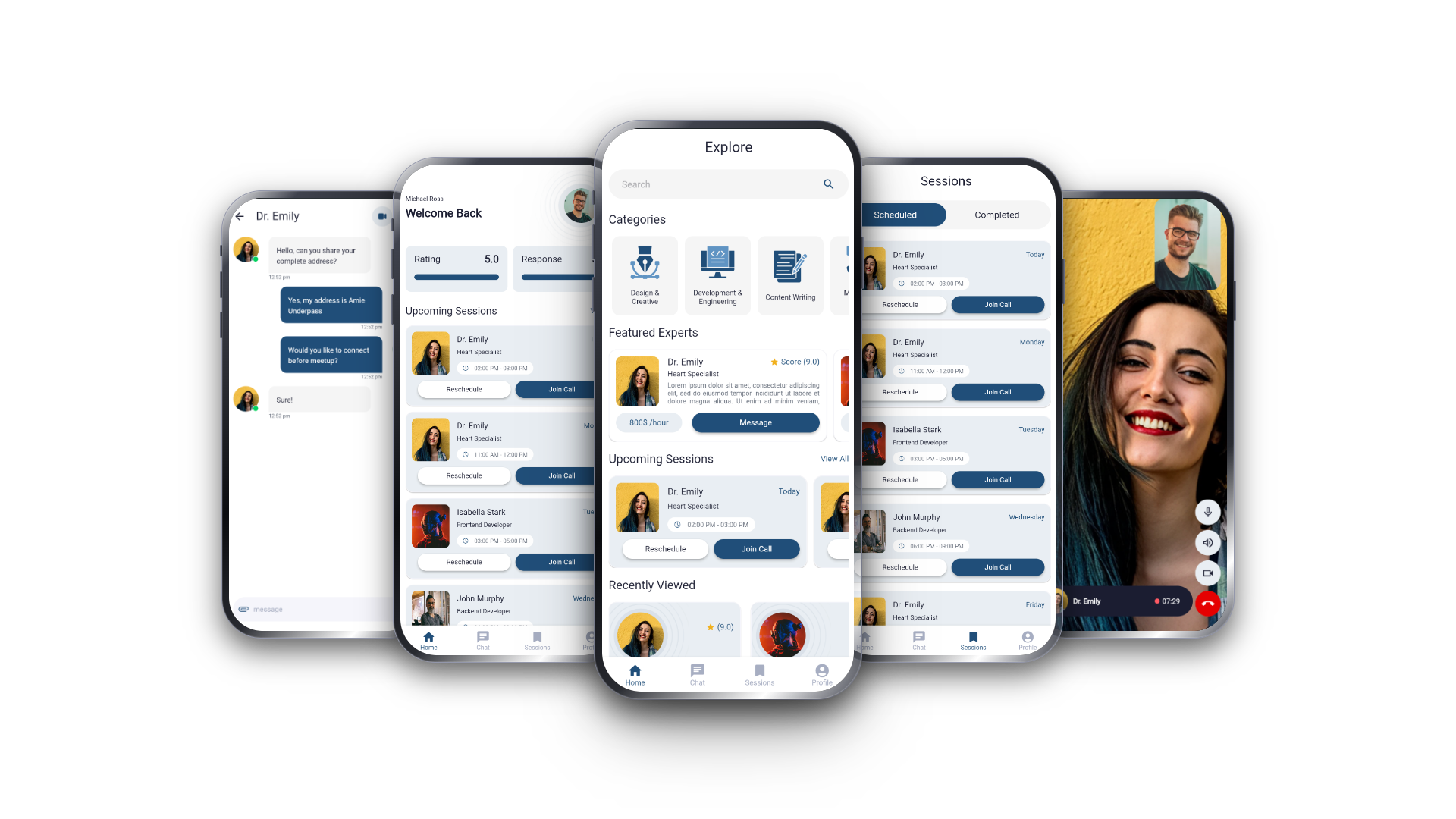
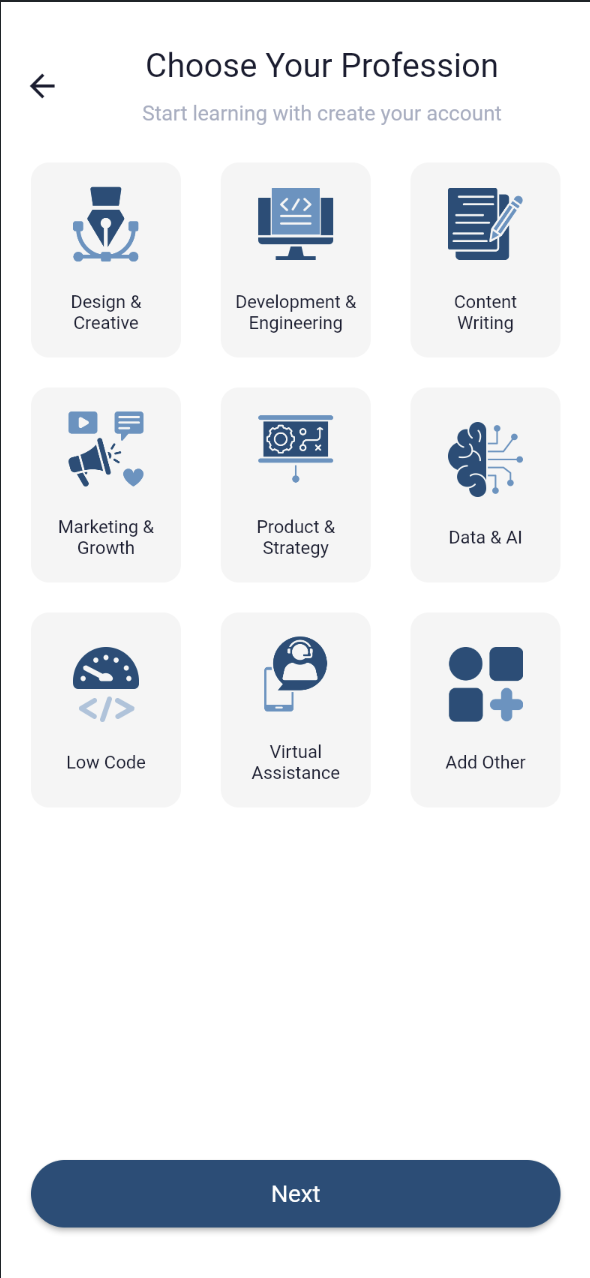
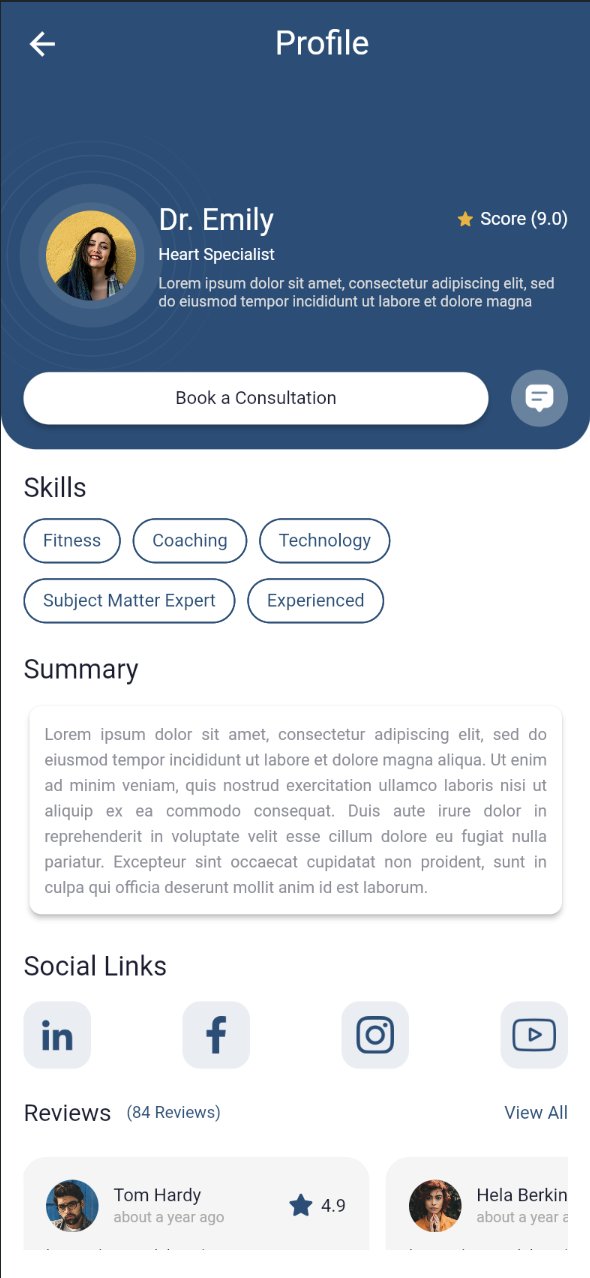
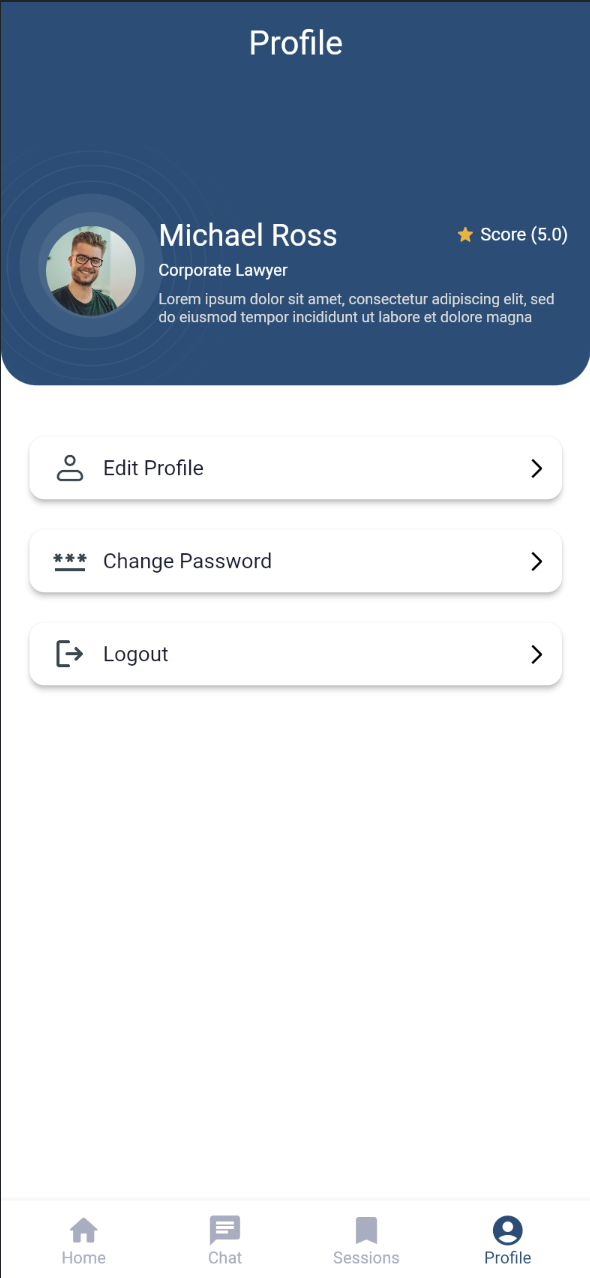
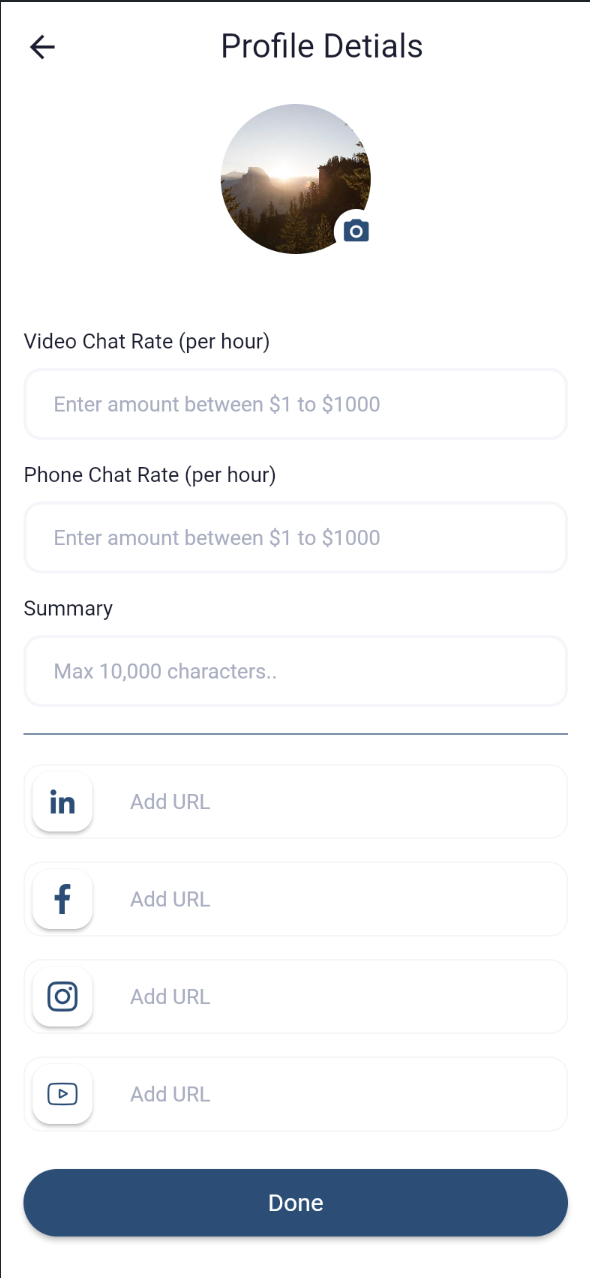
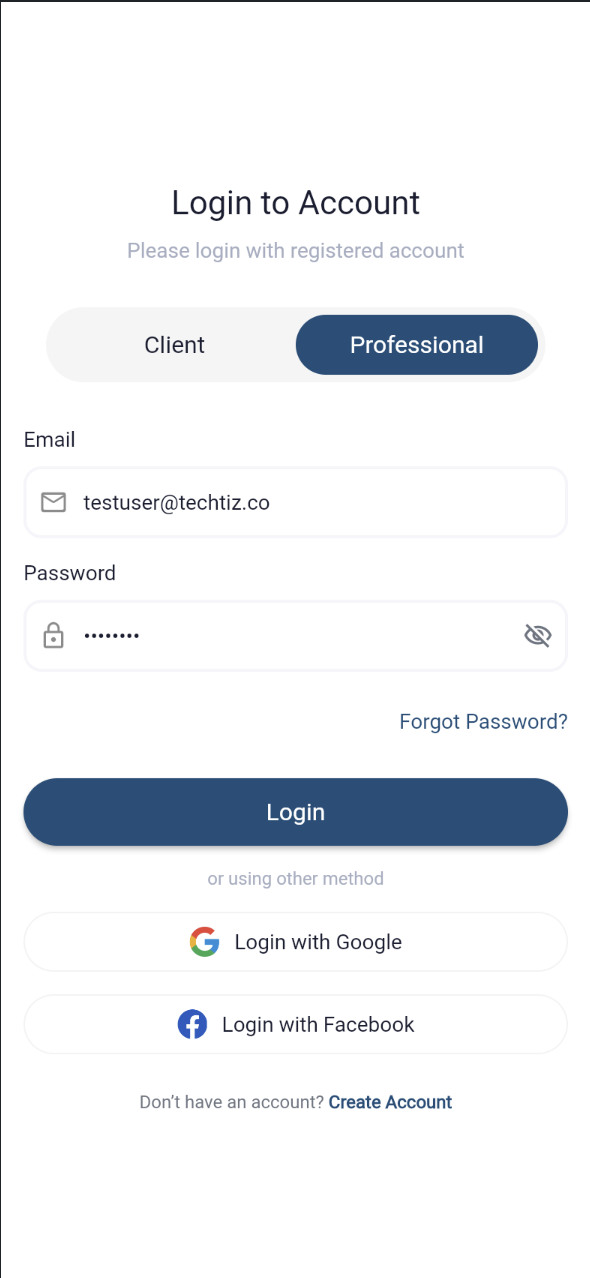
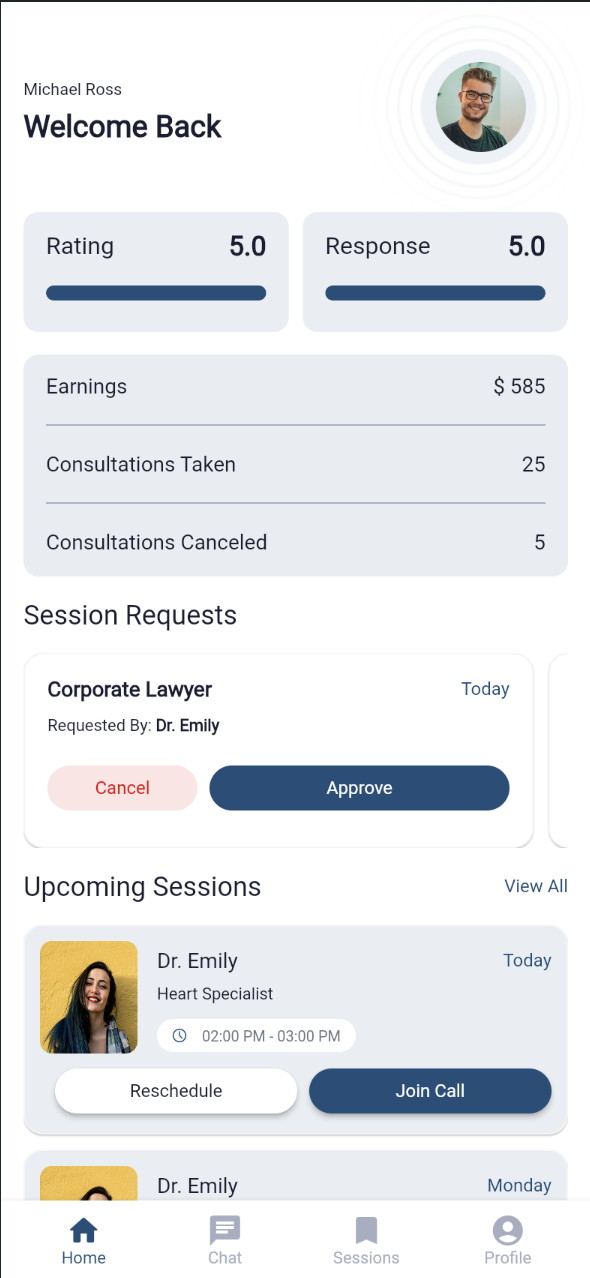
Kumquat is a FlutterFlow-built UI template for a skill-sharing and consultation-booking marketplace app — the kind of product that connects coaches, consultants, or freelancers with clients who book paid sessions.
Built With
 FlutterFlow
  Flutter
  Dart
Dart  Firebase Firestore Firebase Authentication
  Material Design
 Project Overview
Kumquat is a FlutterFlow-built UI template for a skill-sharing and consultation-booking marketplace app — the kind of product that connects coaches, consultants, or freelancers with clients who book paid sessions.
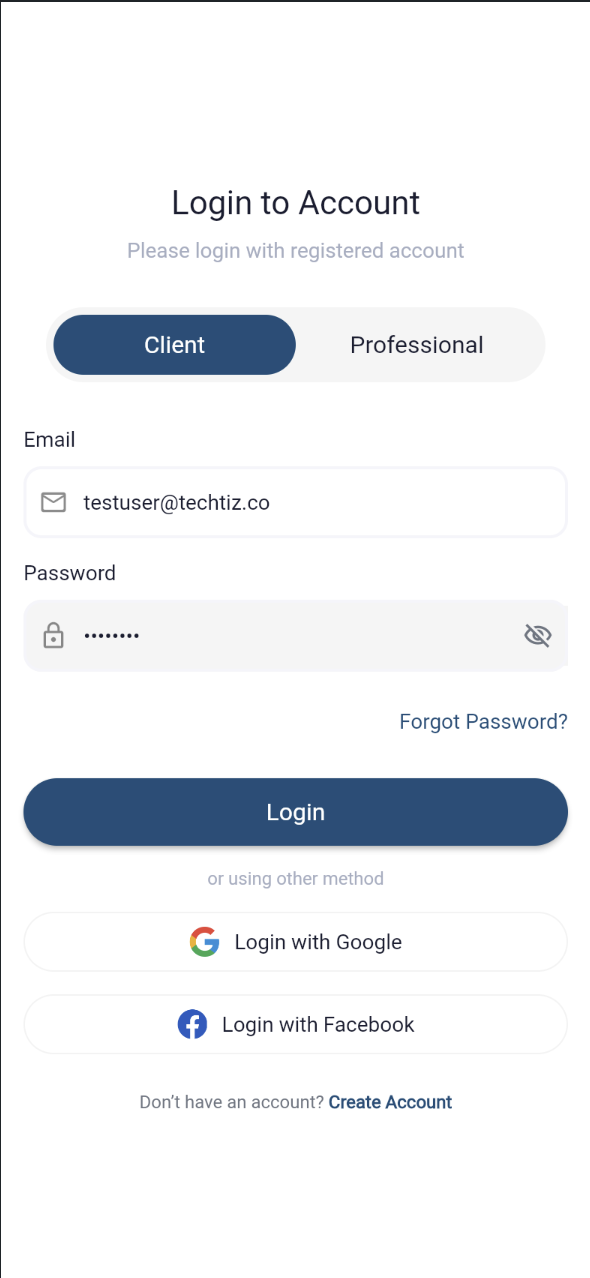
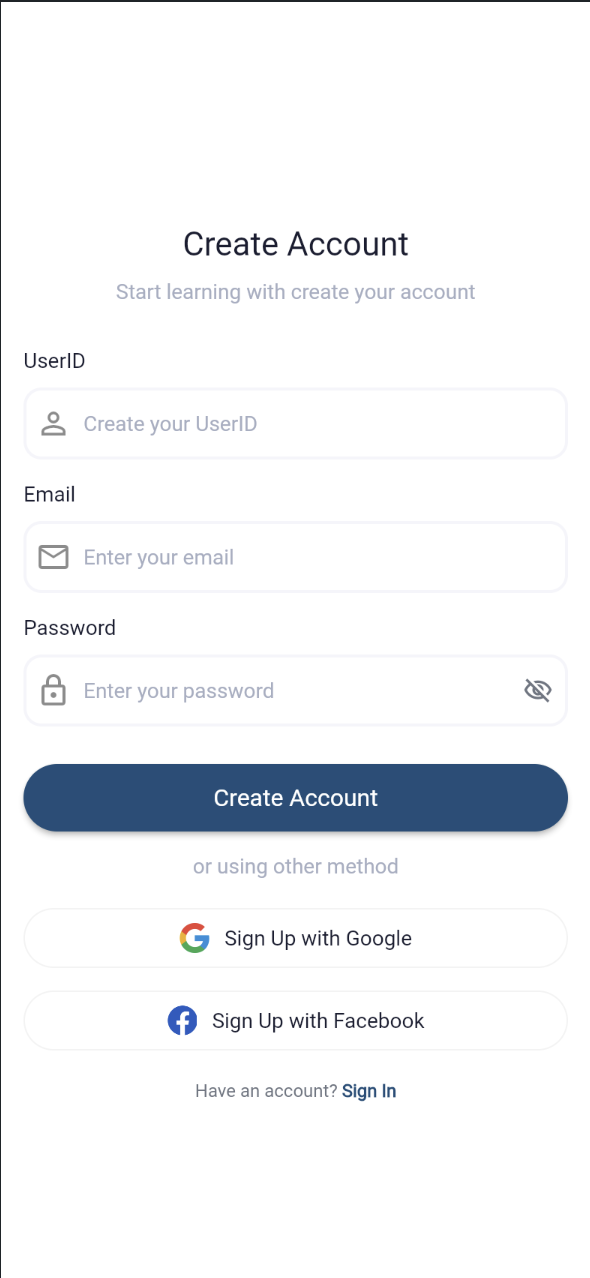
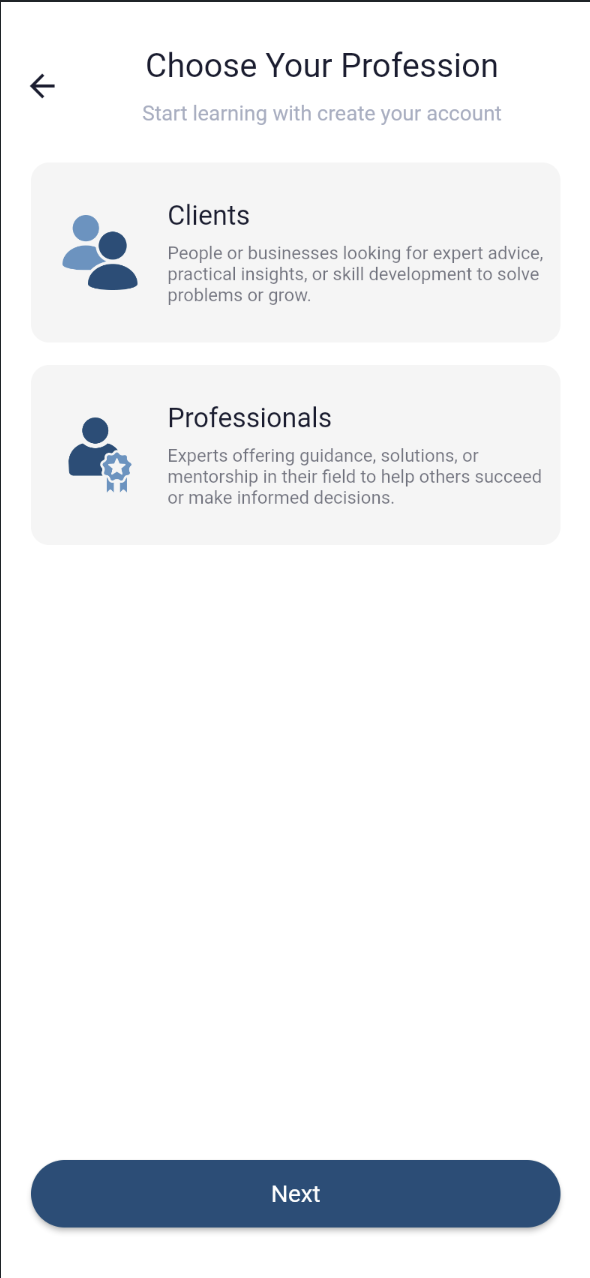
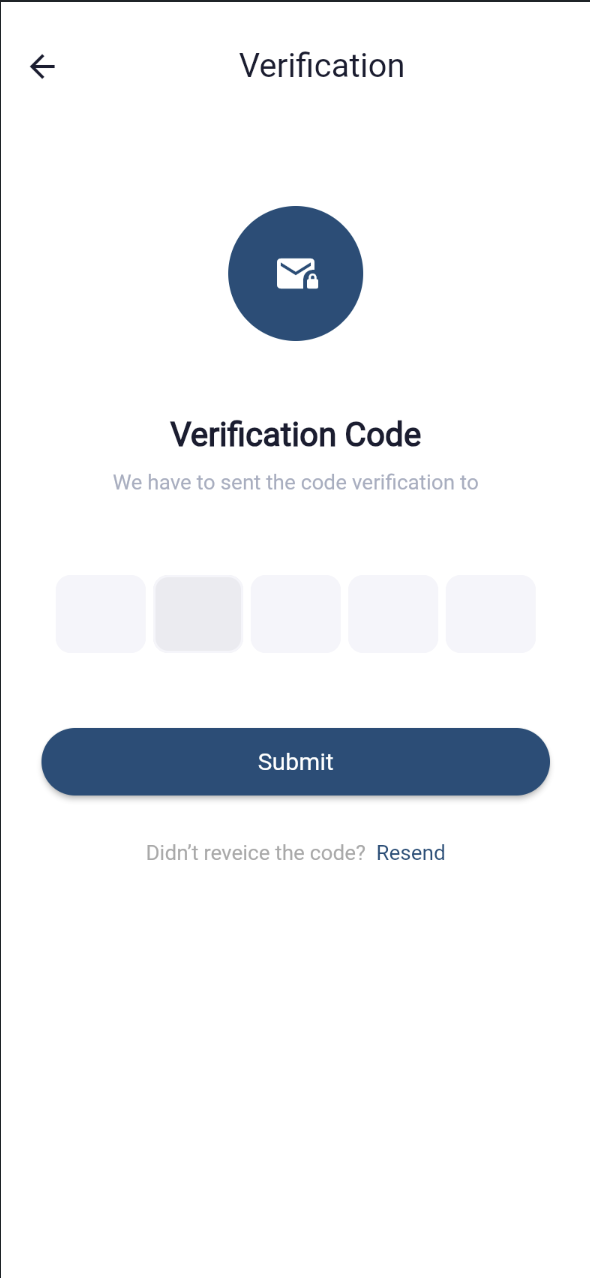
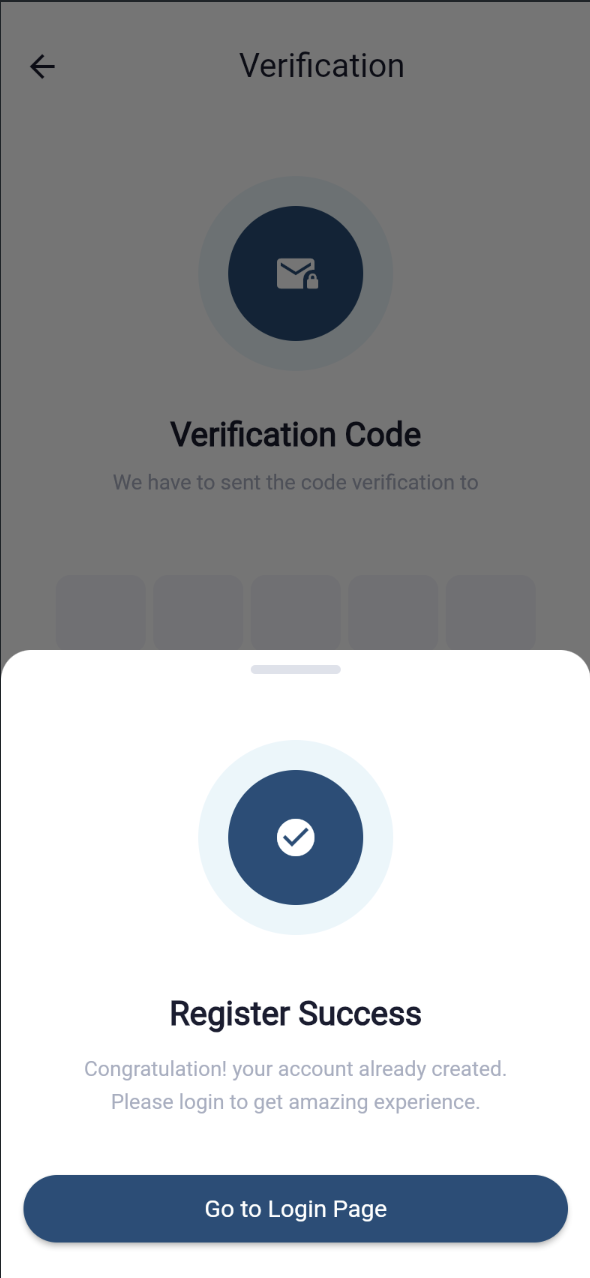
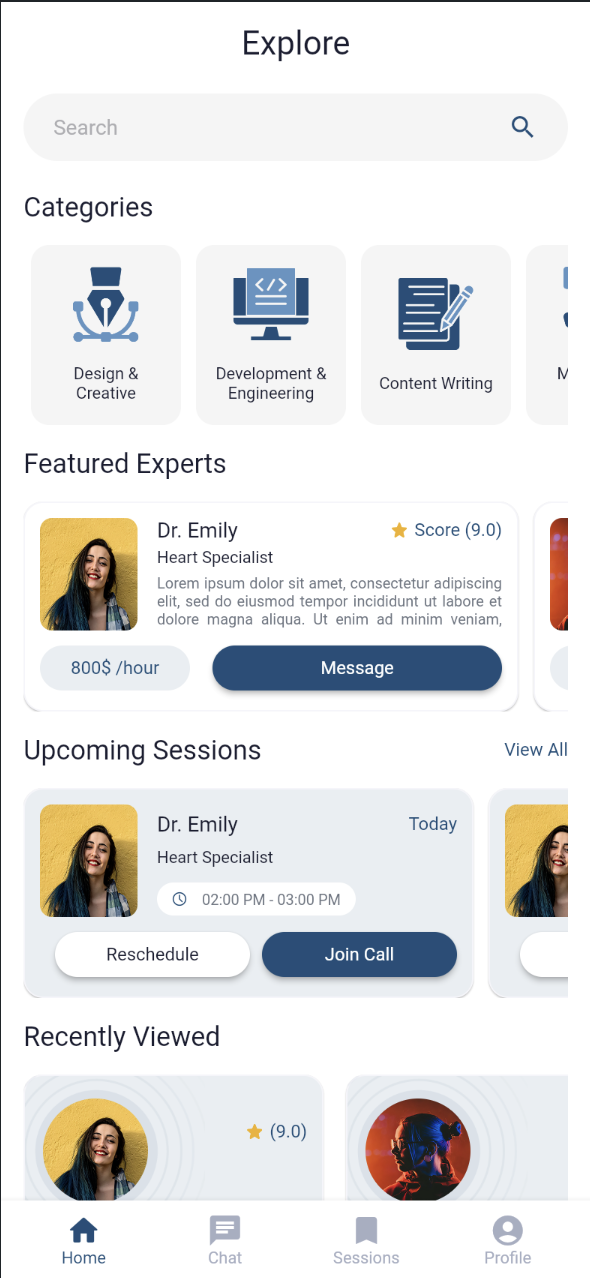
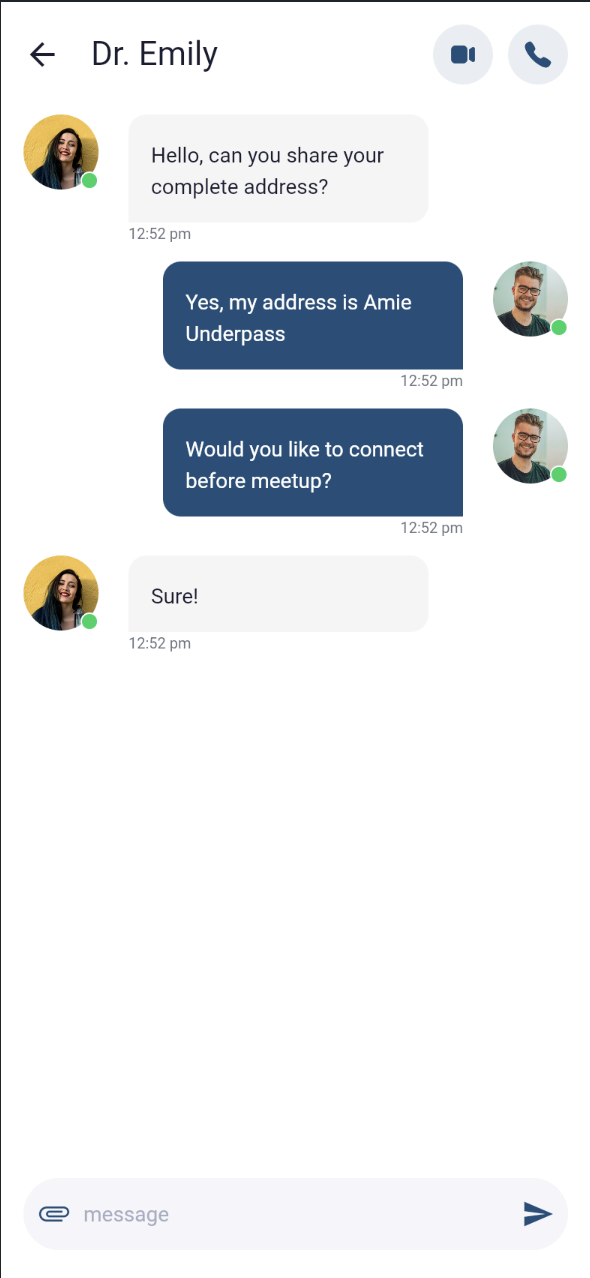
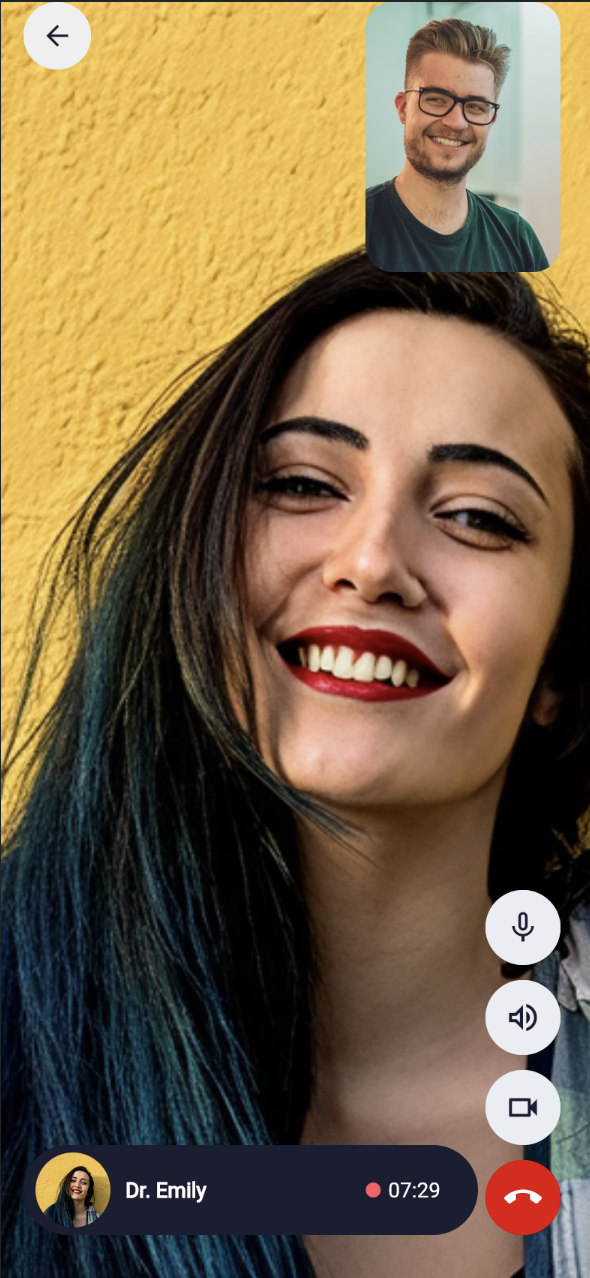
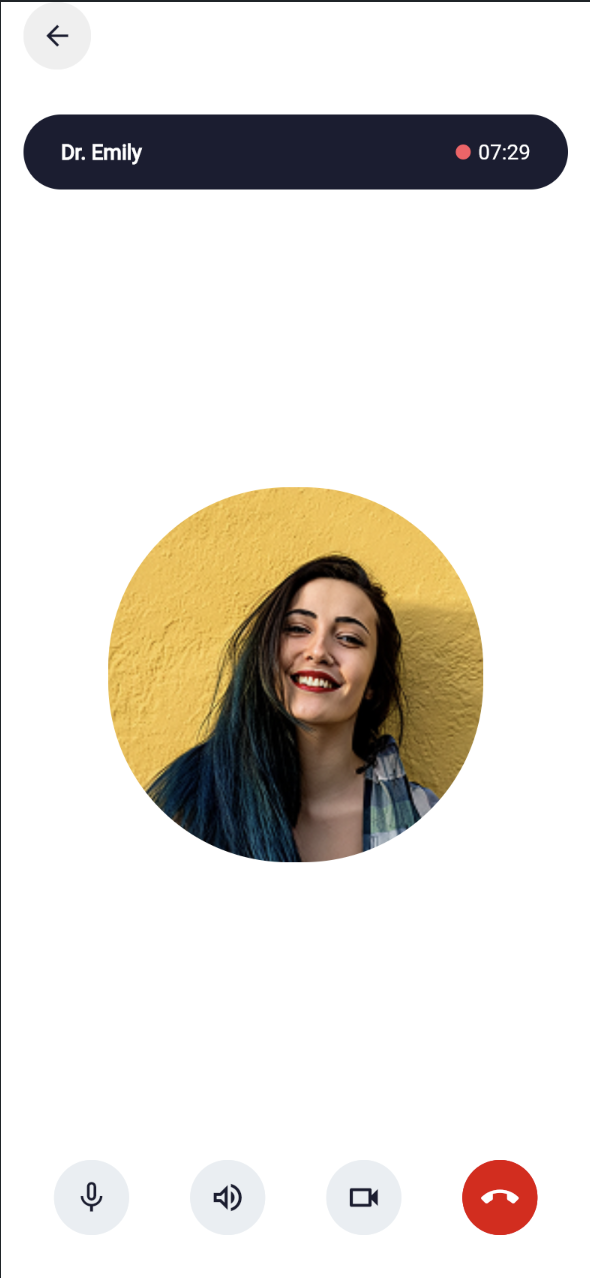
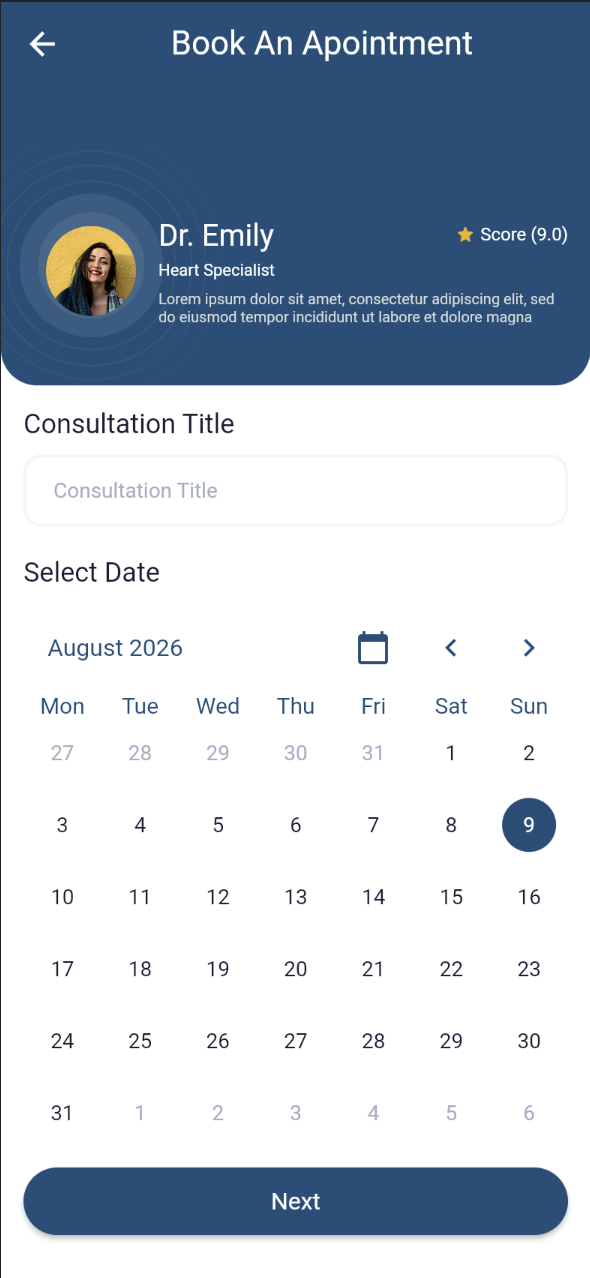
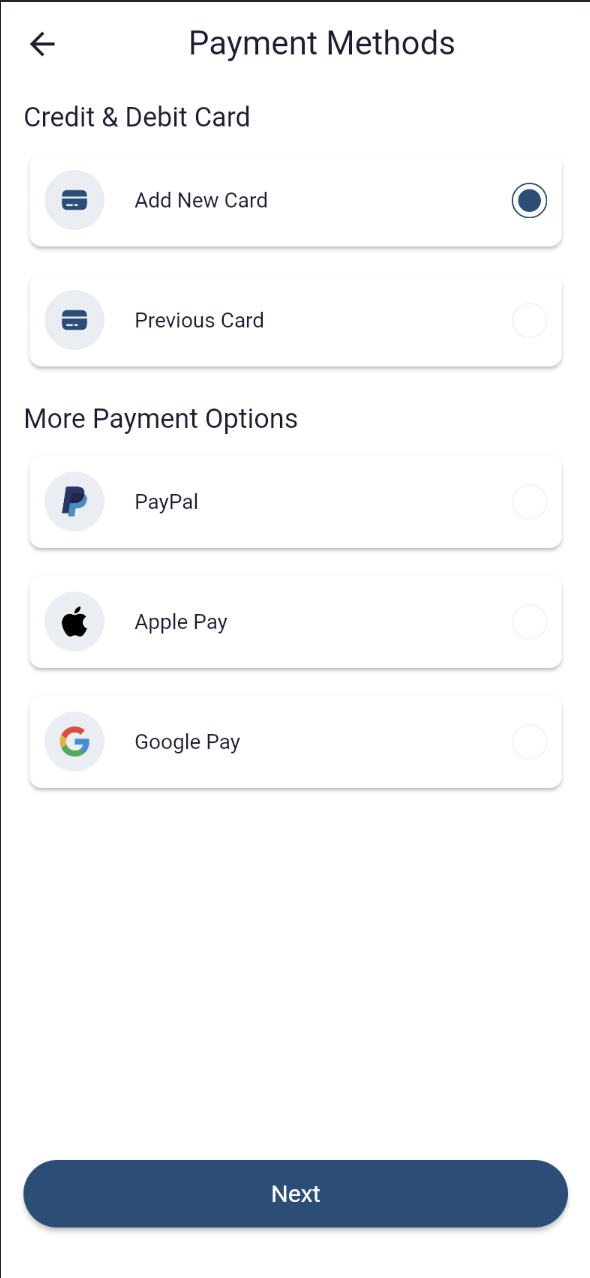
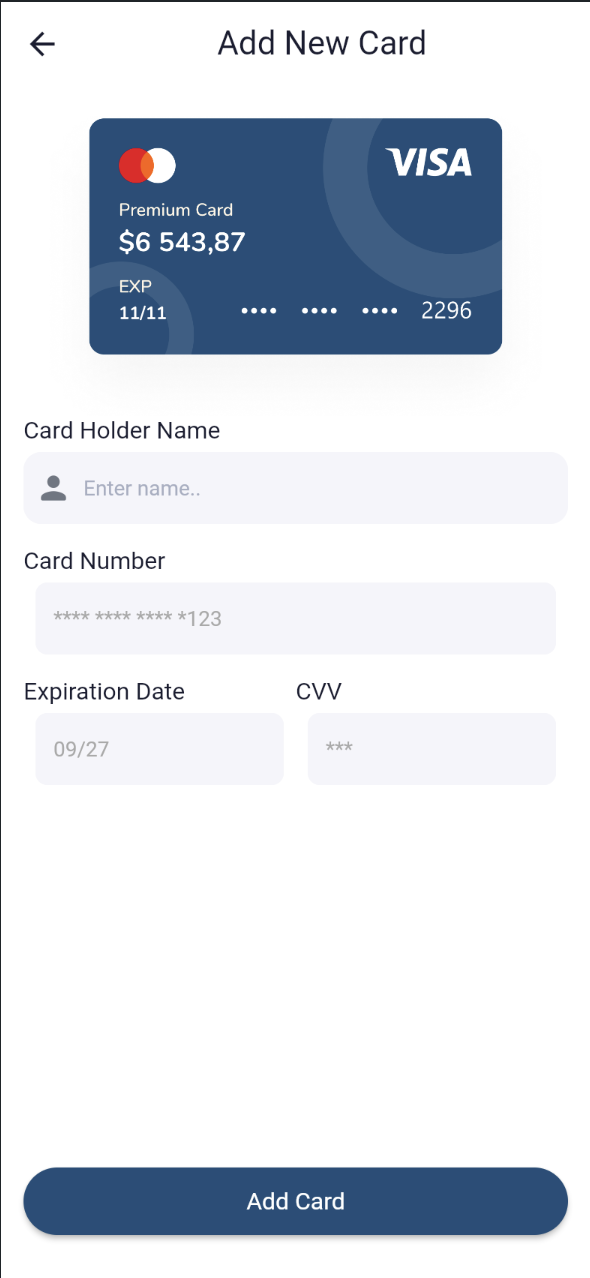
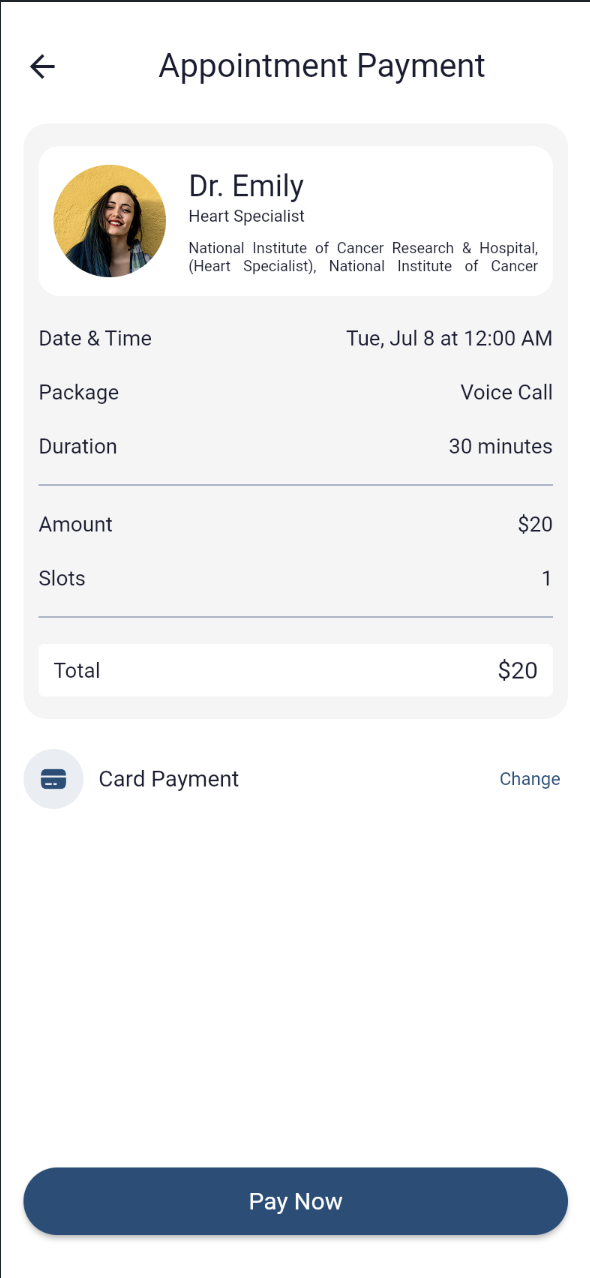
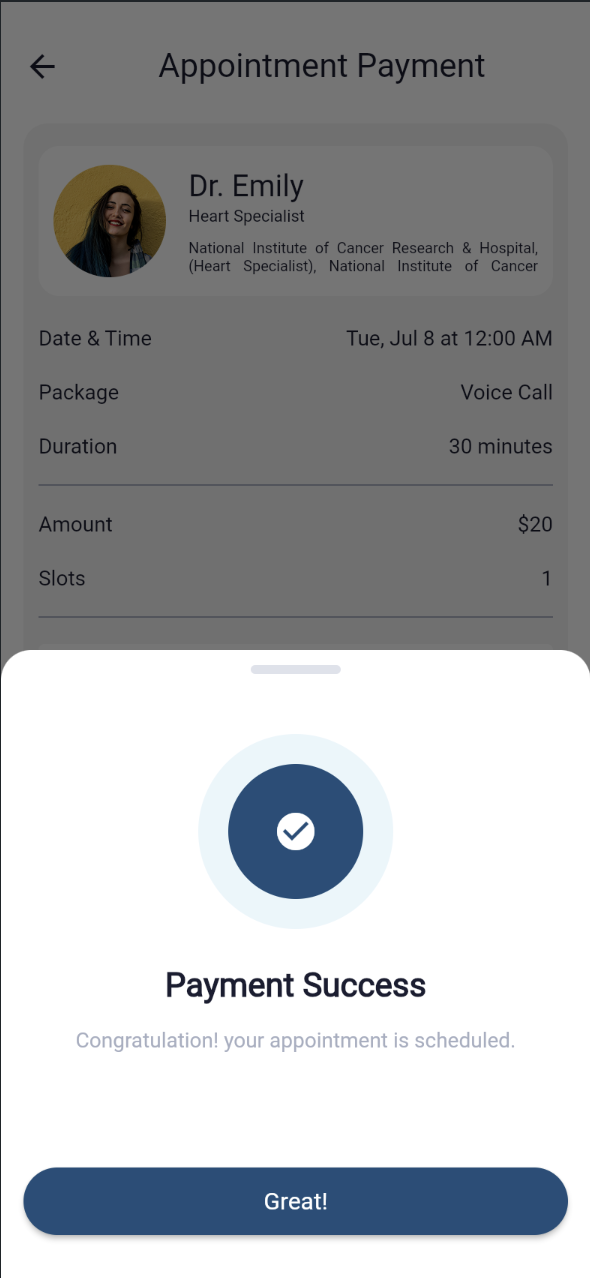
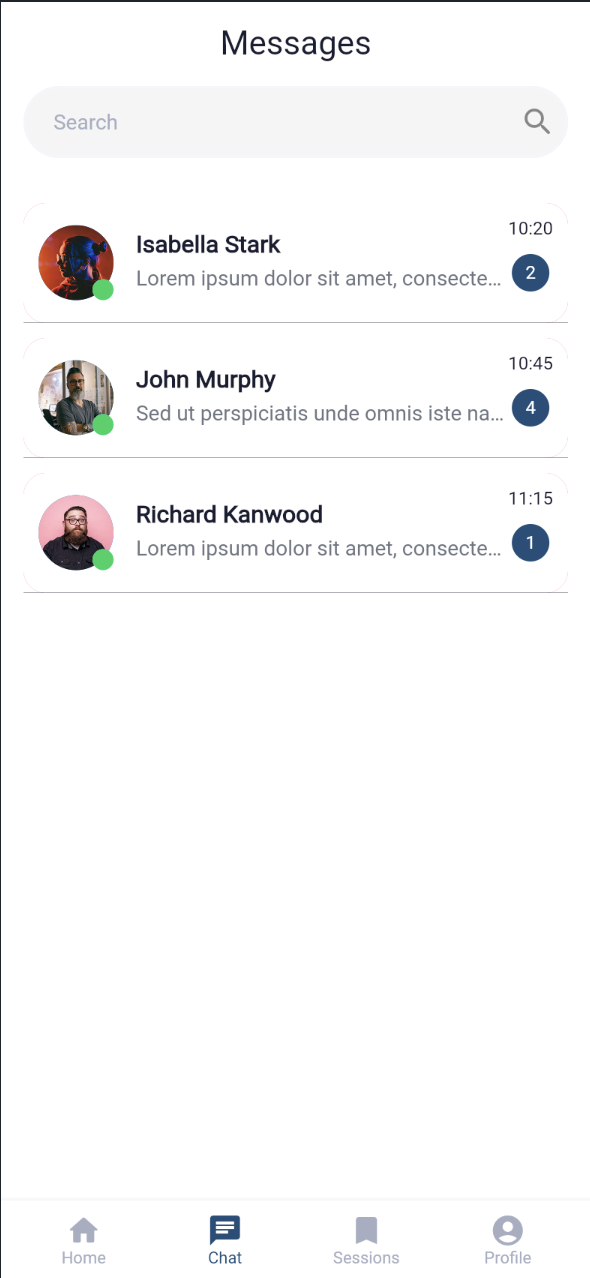
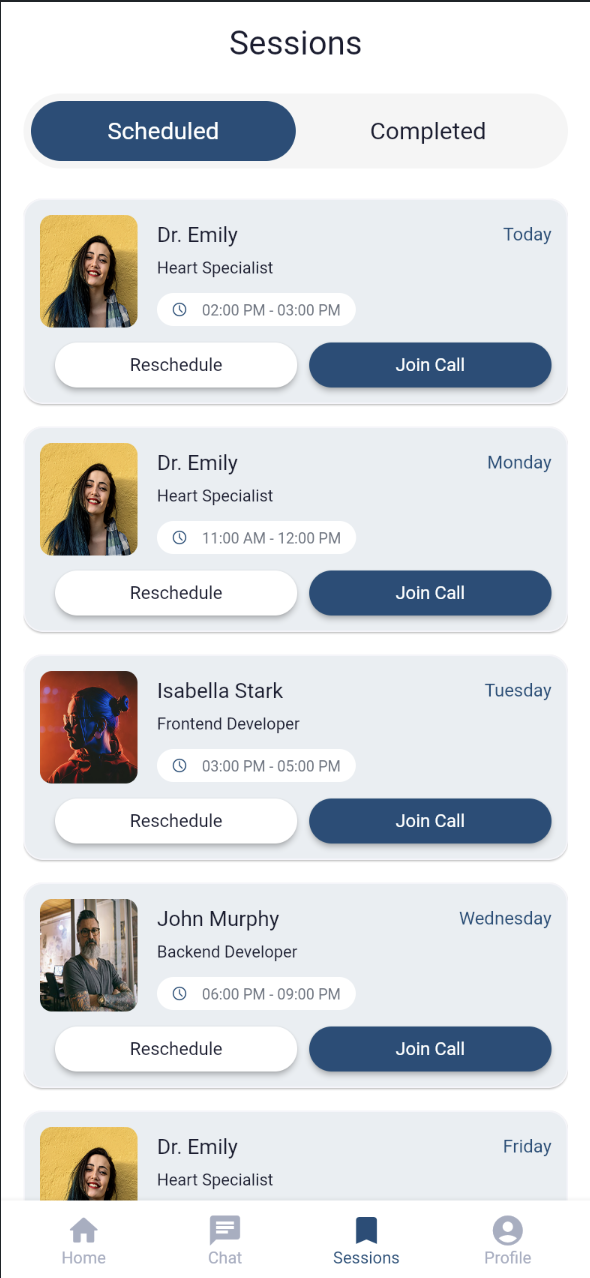
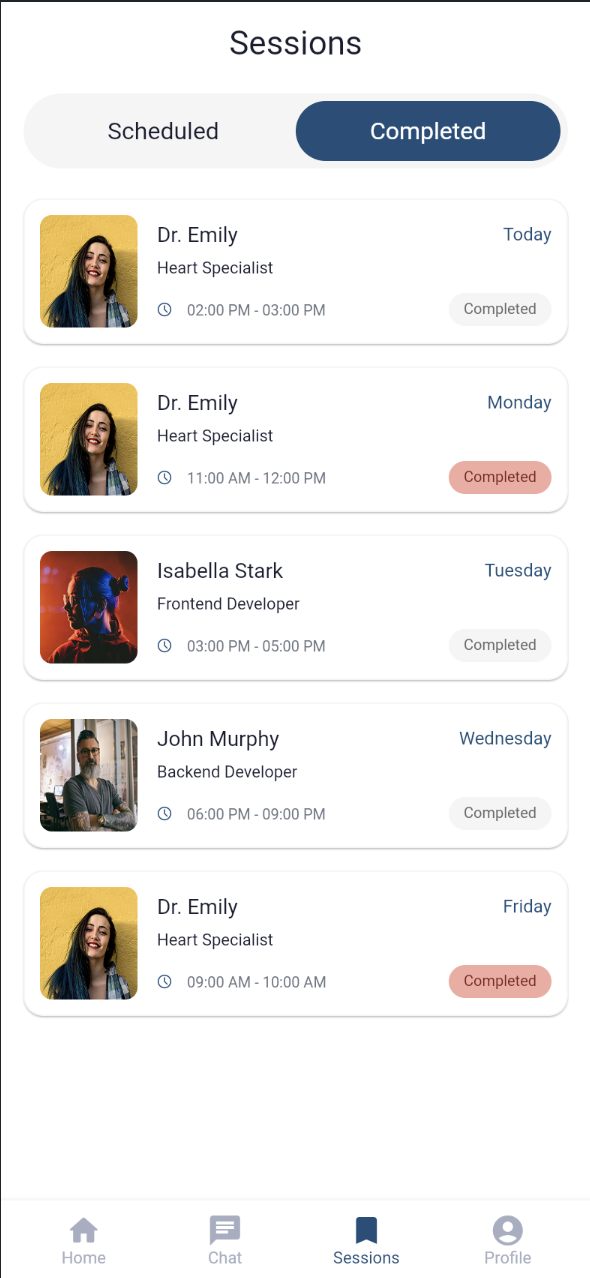
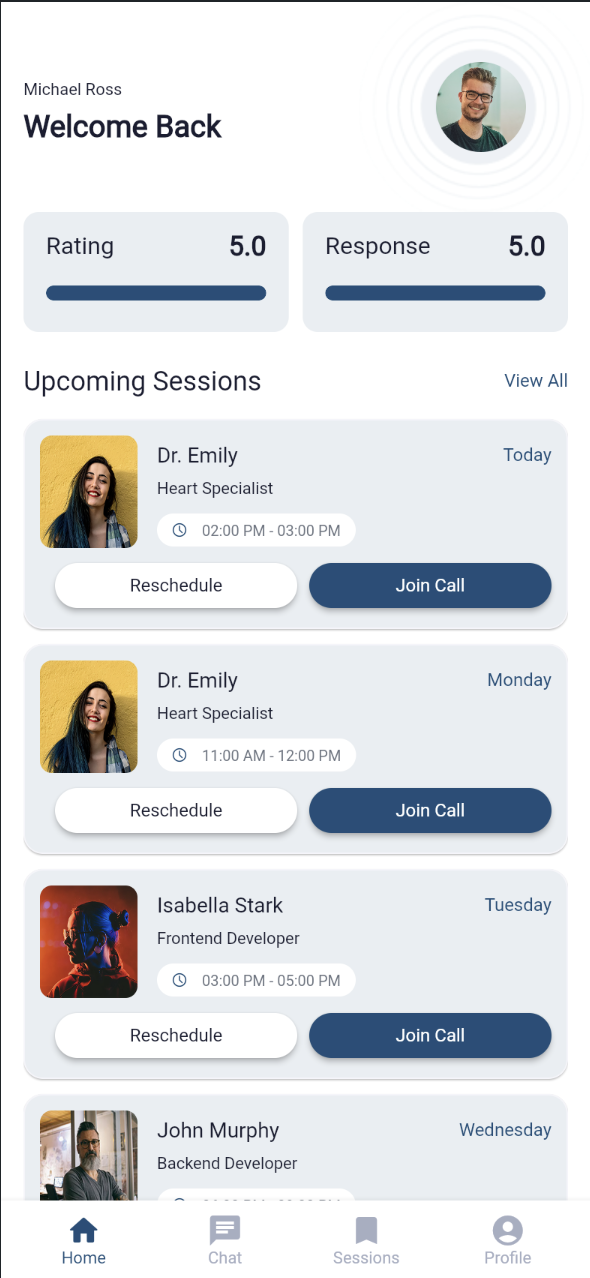
It spans 81 feature pages across 11 modules: authentication with role and profession selection, provider search, profile details, appointment booking with an integrated payment flow, real-time chat and inbox, live video and voice calling, session management with rescheduling, ratings and reviews, a wallet-style balance with Add Funds, and account settings. The data model is pre-shaped for Firebase Firestore and Authentication — sessions, chat messages, users, reviews, payment cards, and profession categories are all modeled — though the shipped template runs on dummy/placeholder data rather than live Firestore collections or API calls, so it's a front-end-complete UI kit ready to be connected to a real backend rather than a functioning production app. The storyboard traces a full user journey from splash screen through registration, search, booking, payment, chat or video call, to review, so the flow can be validated before any backend work begins.
- Challenge
- Skill-sharing and consultation-booking apps — coaching, tutoring, telehealth, freelance marketplaces — needed a proven, full-featured starting point instead of a blank canvas: 81 interconnected screens across 11 feature modules (auth, home/search, profile, booking, payments, chat, video, sessions, reviews, wallet, settings) that all had to share one consistent, reusable component system without duplicating UI logic; multi-step flows like booking, payment, and rescheduling that needed to stay intuitive despite their complexity; two very different in-app communication types — chat and live video — that had to feel like one cohesive experience rather than two bolted-together features; and a data schema flexible enough to later support real backend logic (payments, reviews, availability) without a costly redesign.
- Solution
- Published Kumquat, an 81-page FlutterFlow starter template built on FlutterFlow's component-based architecture: shared UI elements are modularized into their own "components" folders under each feature domain (appointment, chat, auth, home), keeping the design system consistent while minimizing rework. Pages are grouped by feature domain rather than by screen type, so multi-step flows like the appointment-booking-and-payment sequence stay easy to navigate and extend. A dedicated data schema was pre-modeled for the app's core entities — sessions, chat messages, users, reviews, payment cards, profession categories — so the template is structurally ready to connect to Firebase Firestore and Authentication once a developer wires up real backend logic, and dummy/demo data lets the full flow be previewed end-to-end (splash → register → browse providers → book & pay → chat or video call → review) without a live backend.
- Impact
- As a template, Kumquat's impact is in accelerating development time: a team building a skill-sharing, coaching, or consultation-booking app can reuse its pre-built UI and page architecture instead of designing 81 screens from scratch, cutting weeks of UI/UX design and prototyping down to configuration and backend integration. It also hands founders and product teams a proven, coherent user flow — search, book, pay, communicate, review — they can validate with real users before investing in full backend development. It has been downloaded 577 times on the FlutterFlow Marketplace to date.
Frequently Asked Questions
Teams building a skill-sharing, coaching, or consultation-booking app — tutoring, telehealth, freelance marketplaces — don't have to design and wire up 81 screens of auth, search, booking, payments, chat, and video calling from a blank canvas; Kumquat gives them that full UI and page architecture pre-built and ready to connect to a backend.
Kumquat — Talent Match was built with FlutterFlow, Flutter, Dart, Firebase Firestore, Firebase Authentication, Material Design.
Yes — Kumquat is published on the FlutterFlow Marketplace as a source-available UI template. Buyers get the full FlutterFlow project — every page, component, and the modeled Firestore-ready data schema — to customize and connect to their own Firebase backend.
Kumquat is a FlutterFlow UI template for building a skill-sharing or service-booking marketplace app, where users can find providers, book paid appointments, chat, video call, and leave reviews.
No. It ships with a pre-designed Flutter UI and a modeled Firestore data schema, but no live Firestore collections or API calls are configured — a developer needs to connect their own backend, commonly Firebase, to make it fully functional.
Yes, dedicated pages exist for chat (inbox, new chat) and live video calling, though the actual video/chat provider integration — a WebRTC or messaging service — needs to be added separately.
Yes. Its structure — provider profiles, appointment booking, payments, video/phone consultation, reviews — generalizes well to any service-based booking marketplace, not just skill-sharing.
The UI includes screens for adding a payment card, selecting a payment method, and confirming payment, along with a wallet-style balance and an Add Funds feature — actual payment processing requires integrating a real payment gateway.
Yes — since it's a standard FlutterFlow project, all colors, components, and page flows can be edited directly in the FlutterFlow builder.
Kumquat has been downloaded 577 times on the FlutterFlow Marketplace.
Available for work
Got a project like this
in mind?
Let's talk about what you're building and how I can help ship it.