Ramirez Legal Group — ClickUp Dashboard Sync
Shipped Oct 2025
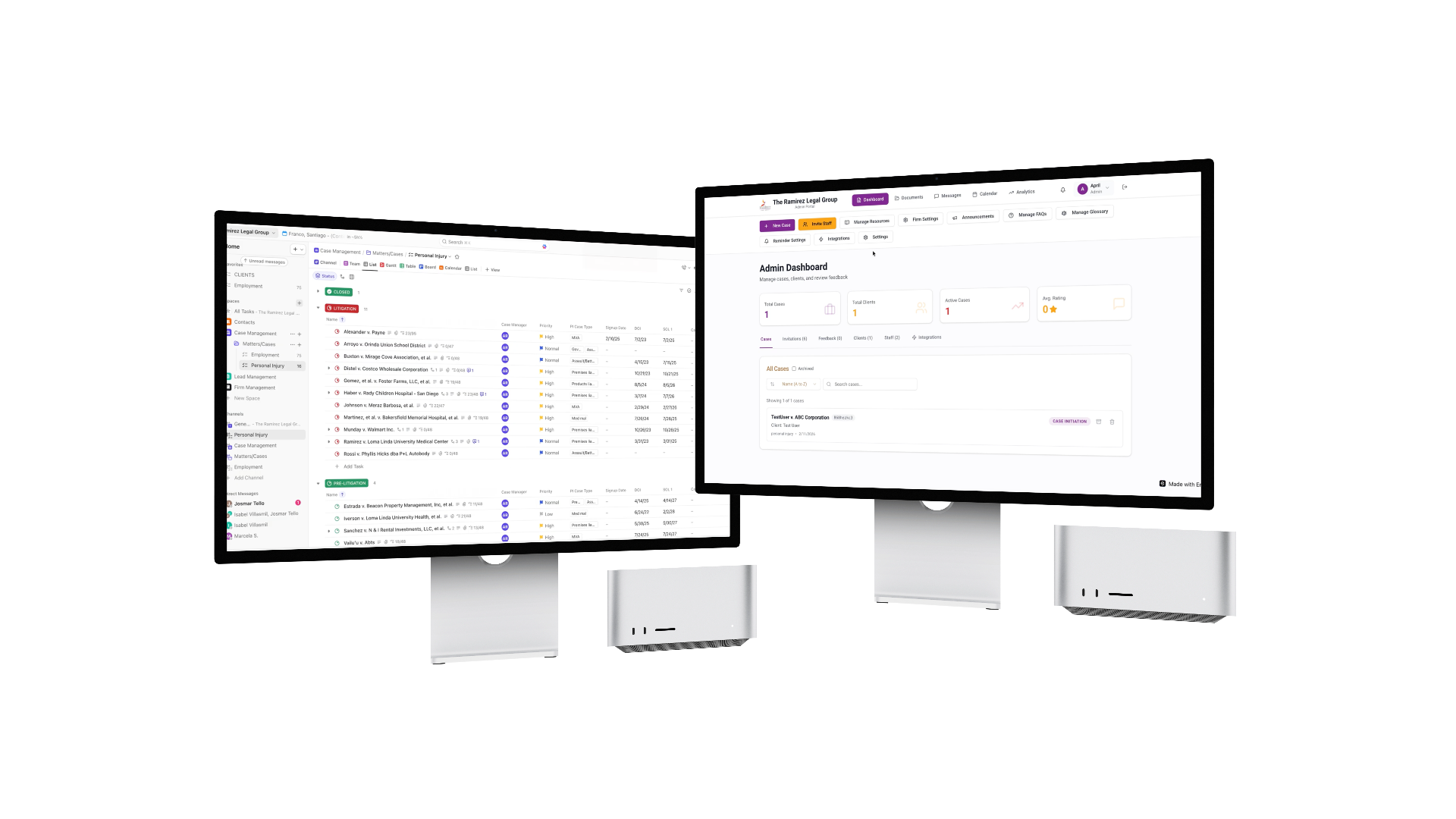
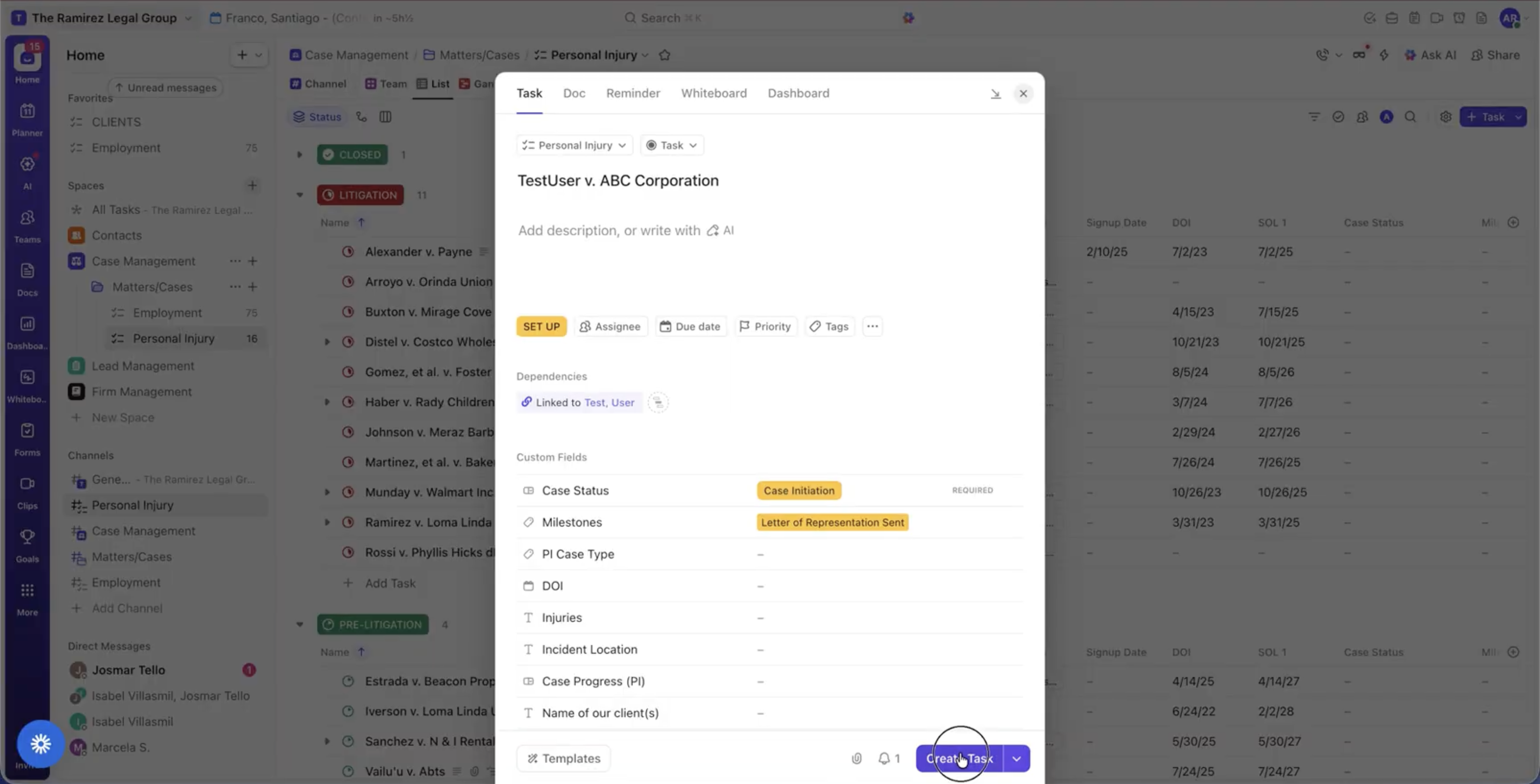
ClickUp is used to track legal cases, while the client-facing dashboard is built and deployed on Emergent Labs. The two had to be kept in sync by hand, risking the two systems falling out of step whenever a case was created or updated.
Built With
 Zapier
  Emergent Labs
  ClickUp
 Project Overview
ClickUp is used to track legal cases, while the client-facing dashboard is built and deployed on Emergent Labs. The two had to be kept in sync by hand, risking the two systems falling out of step whenever a case was created or updated.
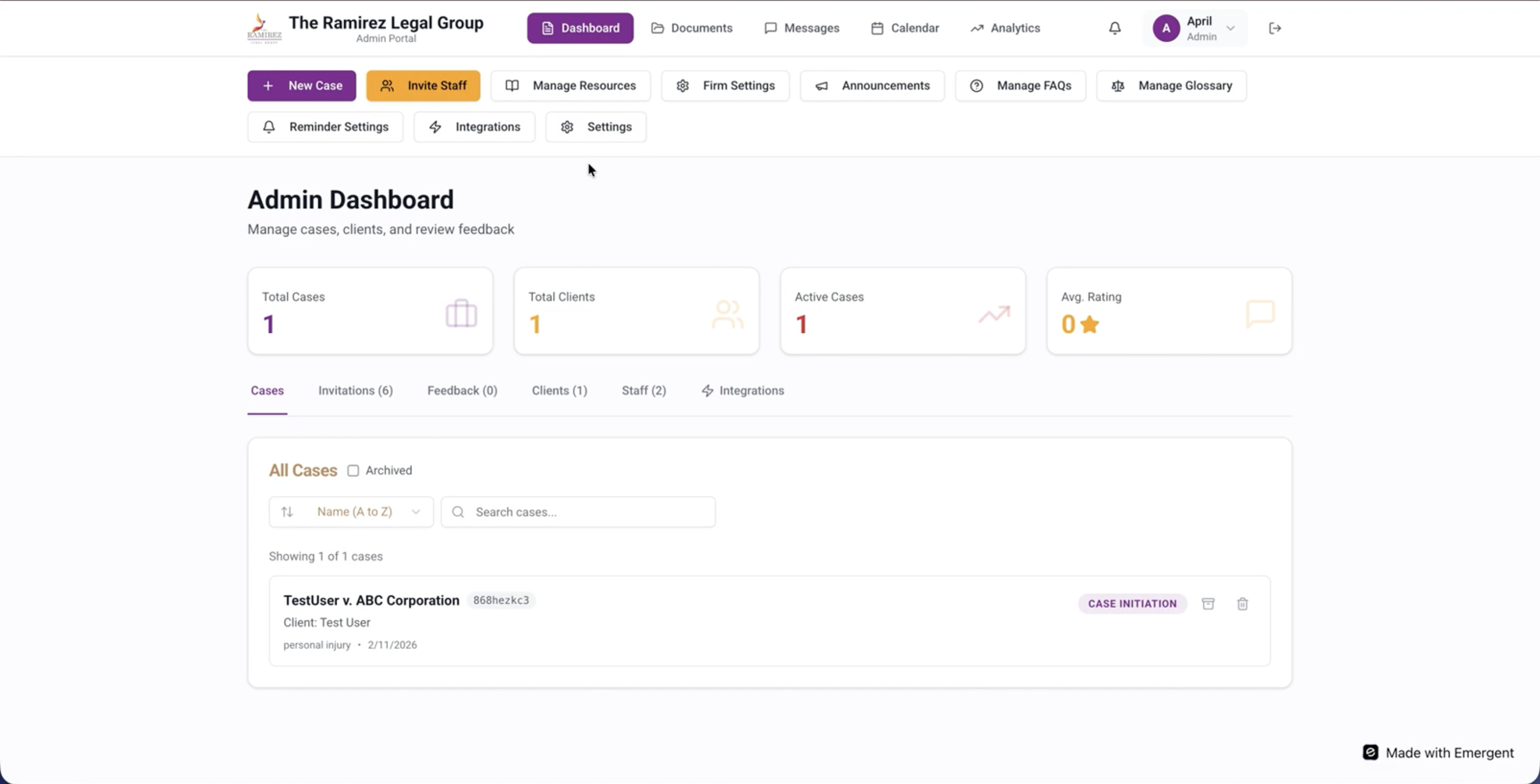
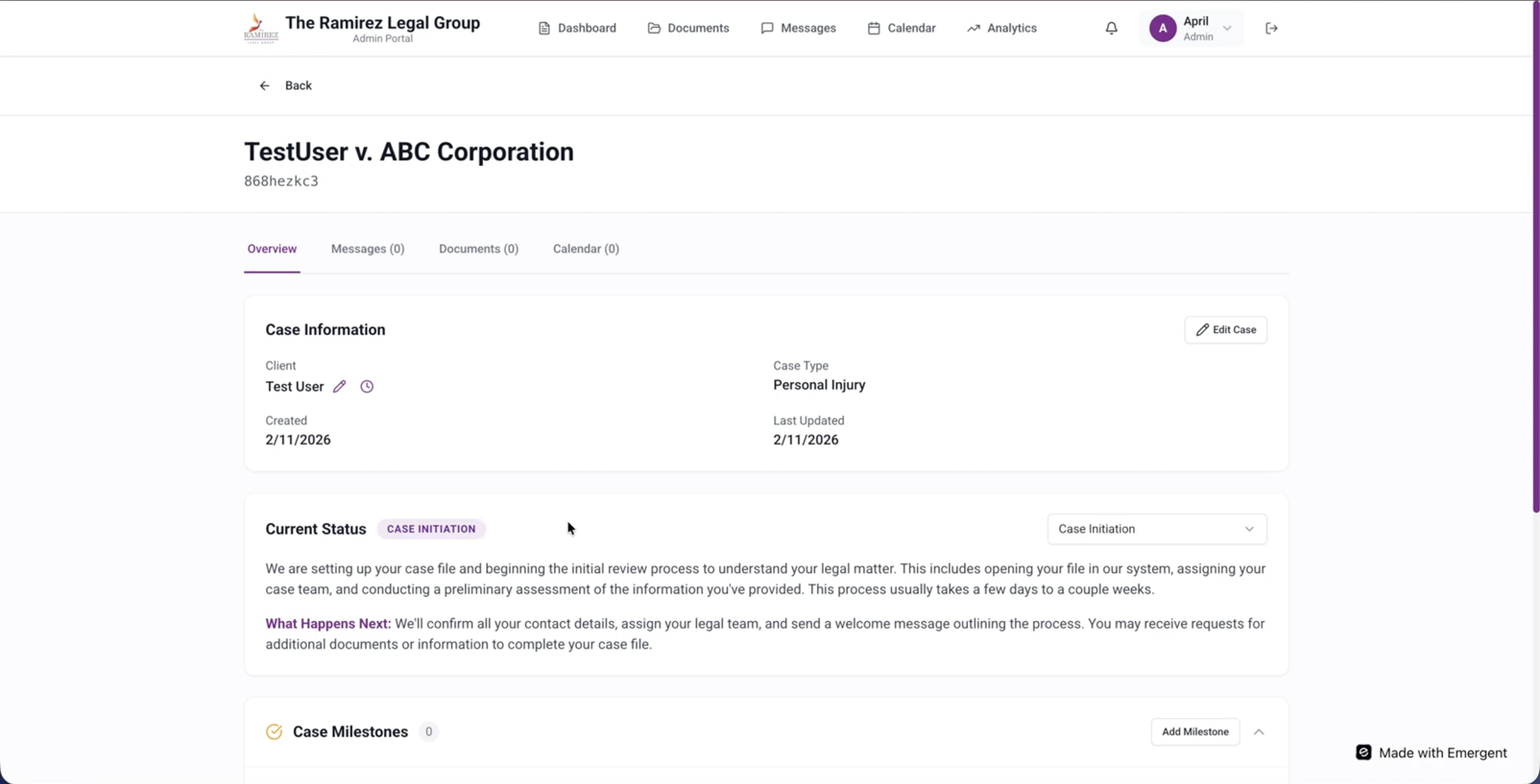
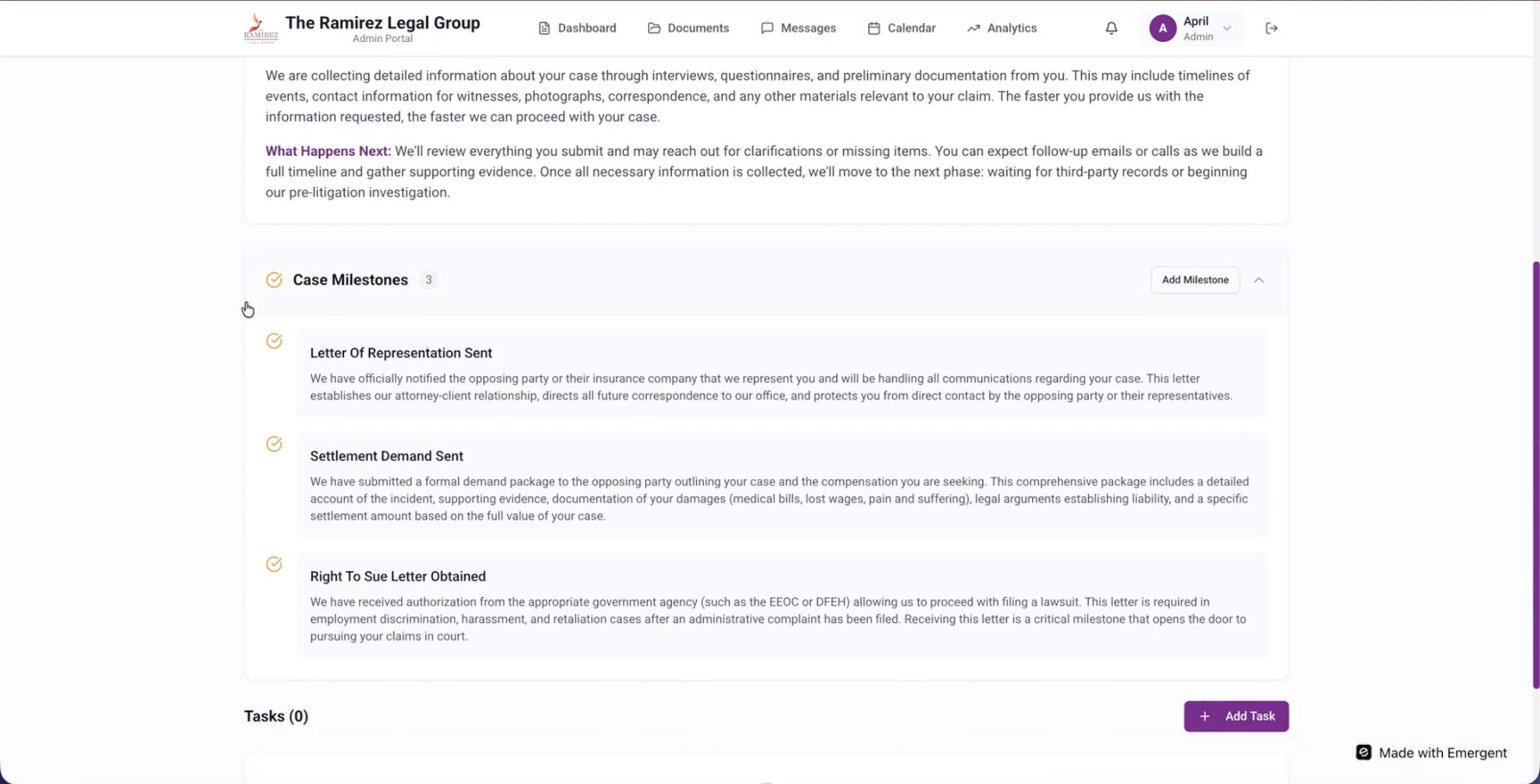
A Zapier pipeline now watches ClickUp continuously: case creates and updates sync to the dashboard automatically, and new clients added in ClickUp get a matching client record created and kept in sync on the dashboard as well — keeping the case tracker and client-facing dashboard continuously synchronized in real time, with zero duplicate manual entry.
- Challenge
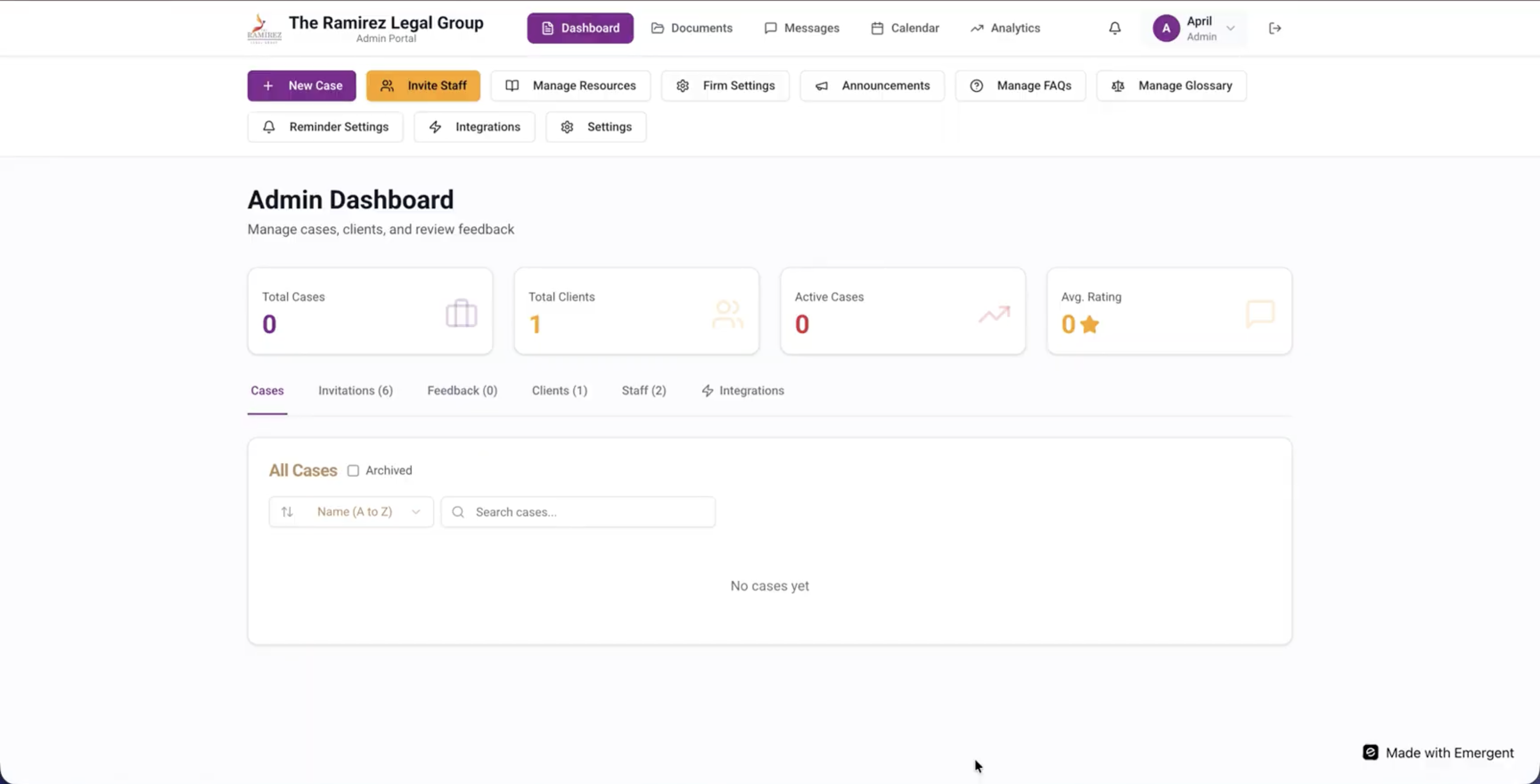
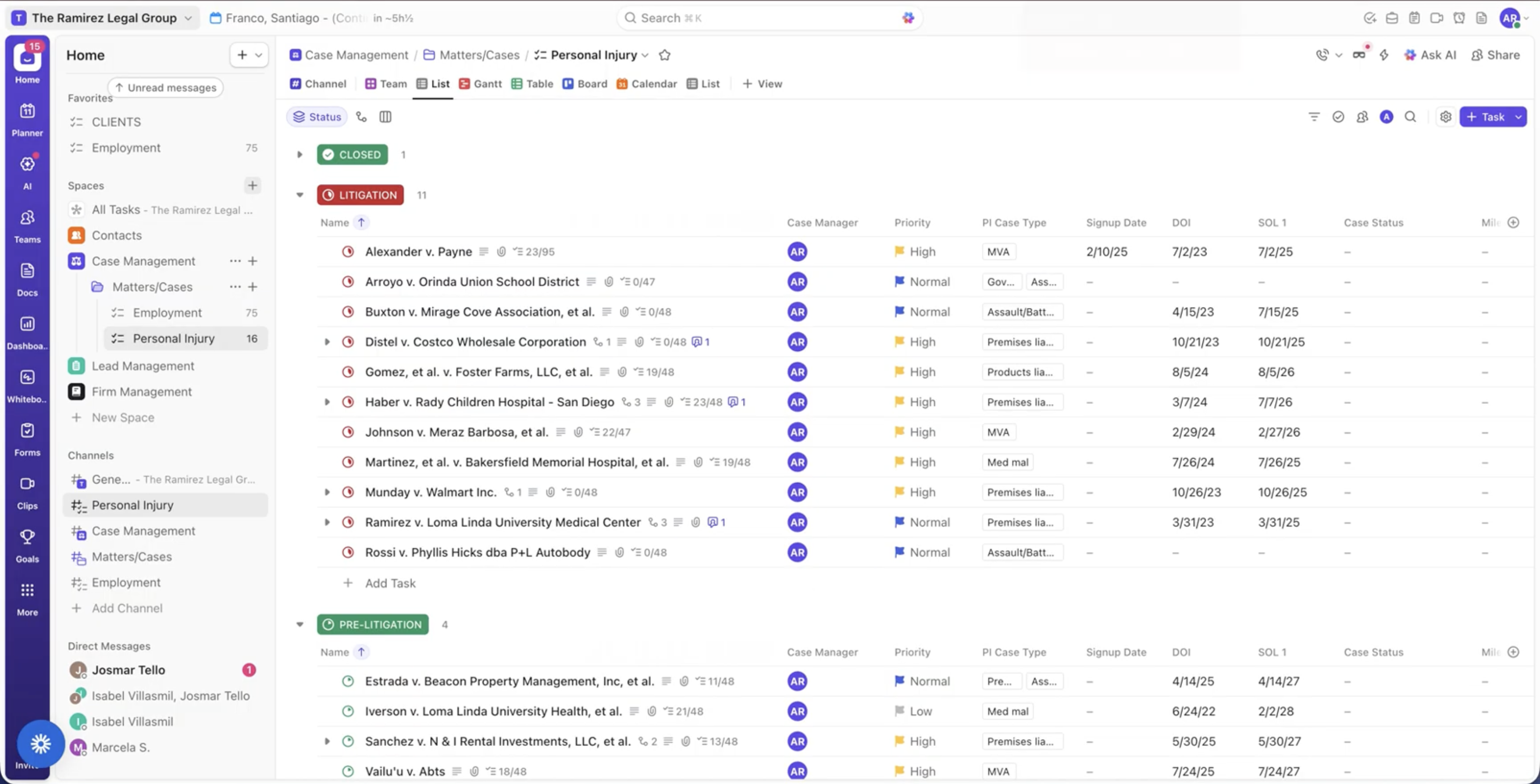
- The client's ClickUp case-tracking data and their client-facing dashboard, built on Emergent Labs, had to be kept in sync by hand — whenever a case was created or updated in ClickUp, someone had to manually re-enter or relay that change onto the dashboard, risking the two systems falling out of step.
- Solution
- Built a Zapier pipeline that watches ClickUp continuously: whenever a case is created or updated, the change is synchronized to the Emergent Labs client-facing dashboard automatically, and whenever a new client is added in ClickUp, a matching client record is created and kept in sync on the dashboard as well.
- Impact
- Keeps the case tracker and the client-facing dashboard continuously synchronized in real time, removing duplicate manual data entry and eliminating the risk of the two systems drifting apart.
Frequently Asked Questions
ClickUp case-tracking data and the client-facing dashboard on Emergent Labs had to be kept in sync by hand, risking the two drifting apart.
Ramirez Legal Group — ClickUp Dashboard Sync was built with Zapier, Emergent Labs, ClickUp.
This was built as commercial/client work, so the source code isn't publicly available. Get in touch to discuss the implementation.
A Zap watches ClickUp for trigger events — a case task being created or updated, or a new client being added — and fires the moment one occurs. It then calls the client-facing dashboard's API to create or update the matching record there, so the dashboard reflects the change within moments of it happening in ClickUp instead of waiting for someone to notice and re-enter it.
Emergent Labs is the platform the client-facing dashboard is built and deployed on — the interface clients actually log into to check their case status. ClickUp plays a different role: it's the internal tool the legal team uses to track and manage cases day to day. The Zapier automation is what bridges the two, so case data entered once in ClickUp reaches the client-facing dashboard automatically rather than needing separate entry in each system.
A case record can only sync meaningfully to the dashboard once a matching client record exists there to attach it to. So the automation treats a new client being added in ClickUp as its own trigger — creating the client record on the dashboard first — separately from the case-update trigger that keeps existing cases synchronized, ensuring both clients and their cases stay mirrored rather than just the case data alone.
Manually keeping two systems in sync means re-entering or relaying every update by hand, which is slow and creates a real risk of the two falling out of step whenever an update is missed or delayed. An automated sync removes that manual step entirely — the case tracker and the client-facing dashboard update together in real time, so there is no duplicate data entry and no window where the two disagree.
Available for work
Got a project like this
in mind?
Let's talk about what you're building and how I can help ship it.